Circular plasmid maps
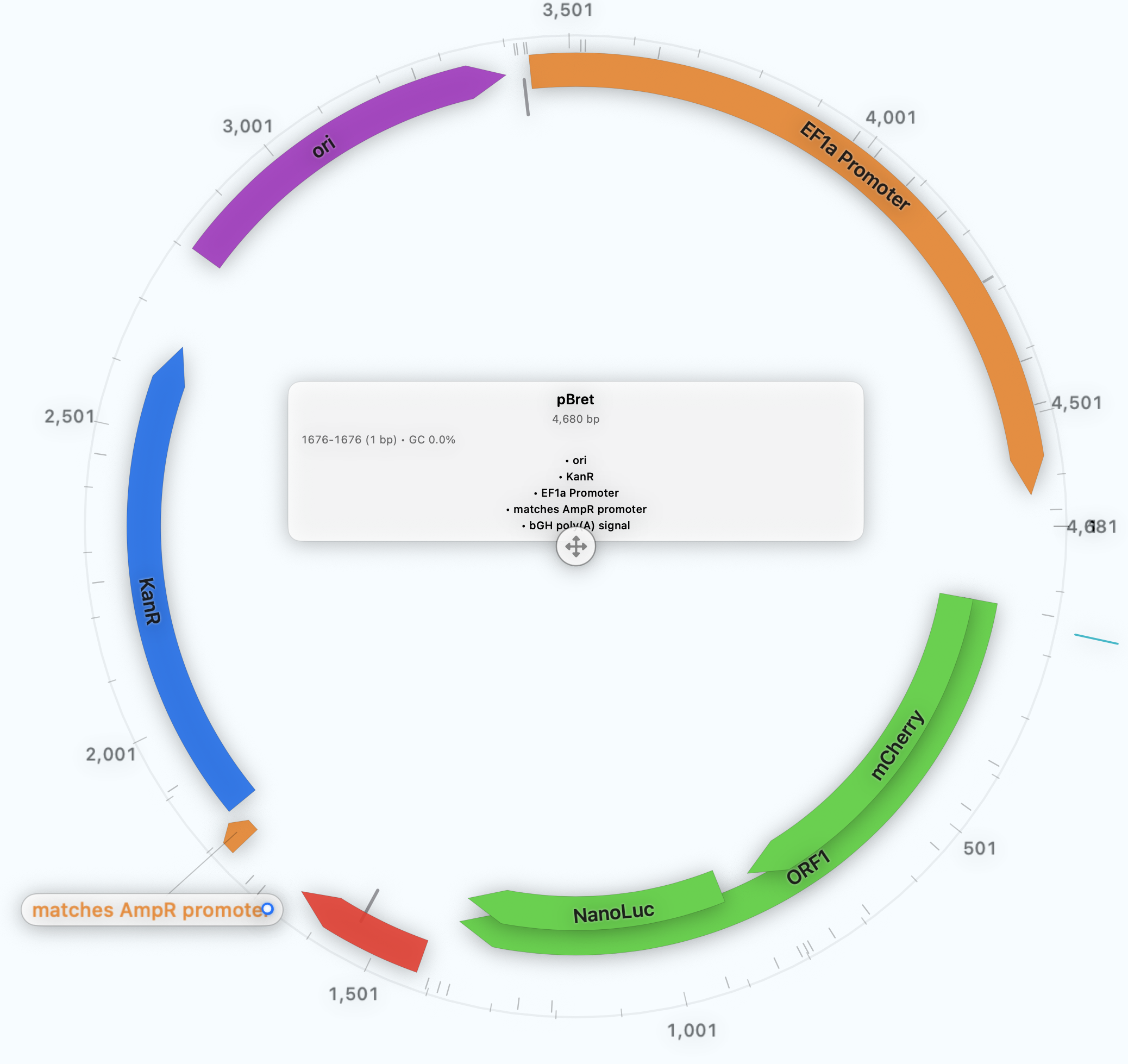
Clean, slide‑ready circular maps with labels and feature tracks that stay readable.
CORE CAPABILITY
Create presentation‑ready plasmid maps and sequence figures—clean visuals for papers, slides, and collaborators, without losing sequence context or provenance.
PRODUCT VIEW
Start from real annotations, then choose a layout and styling that match your audience.
Clean, slide‑ready circular maps with labels and feature tracks that stay readable.
Zoom into the region that matters—while preserving full‑construct context and orientation.
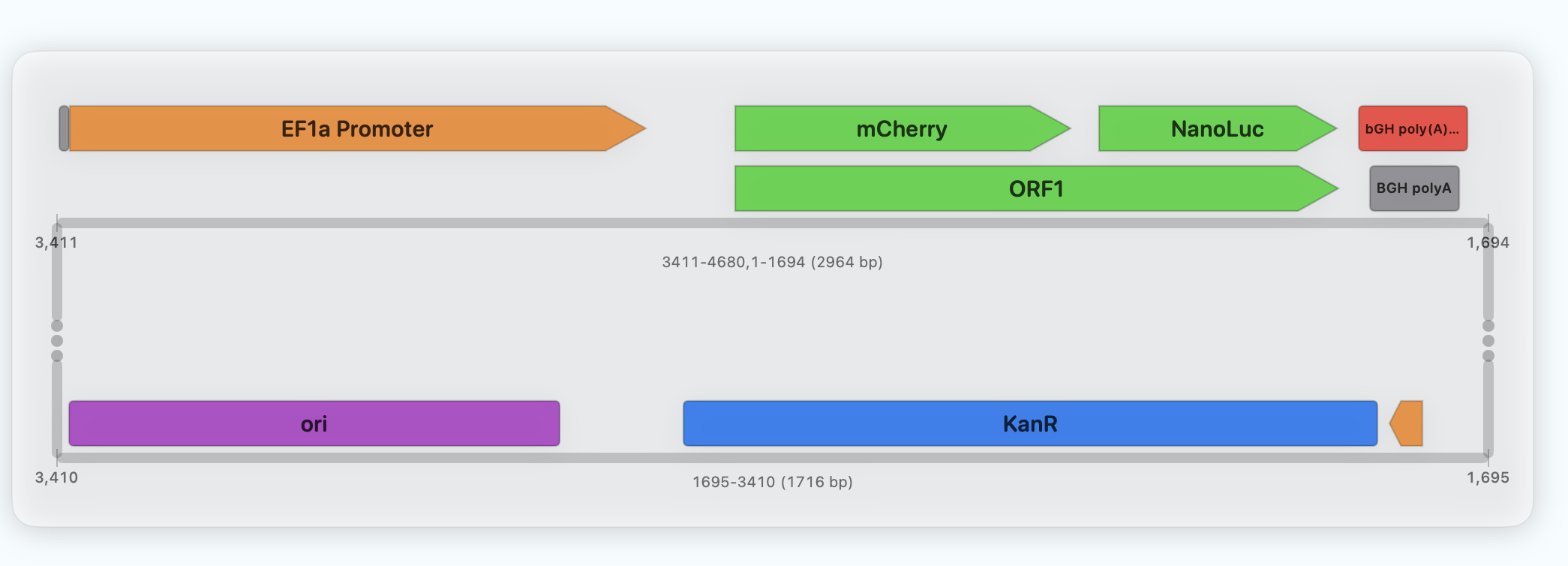
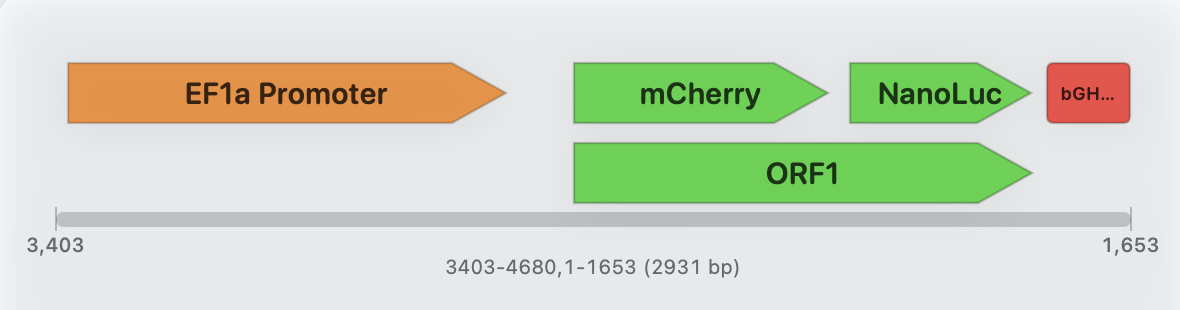
Readable linear views for docs, reviews, and handoffs.
STYLE SYSTEM
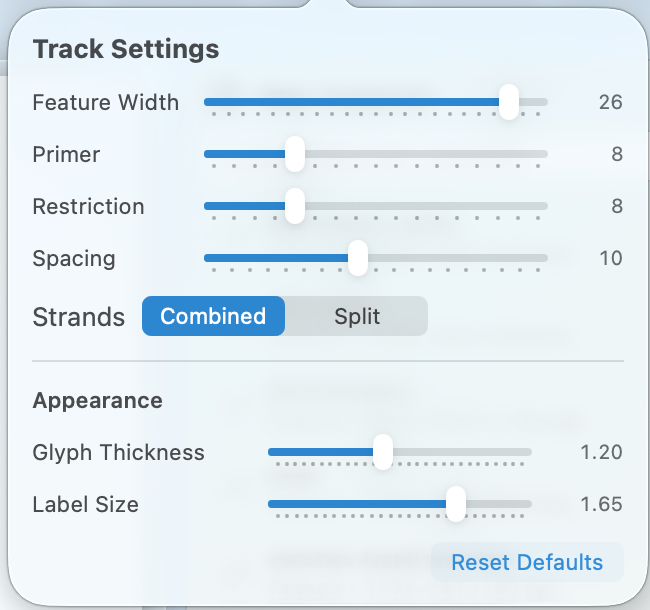
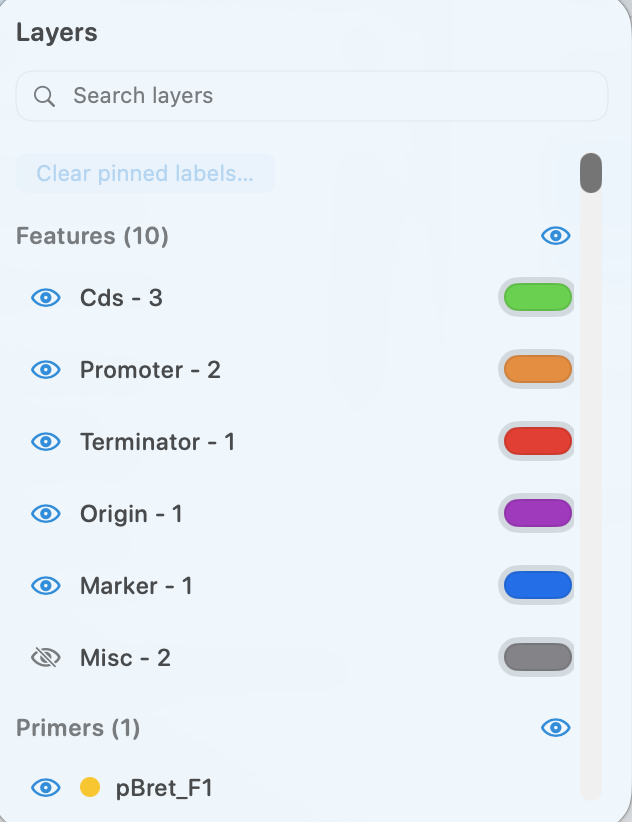
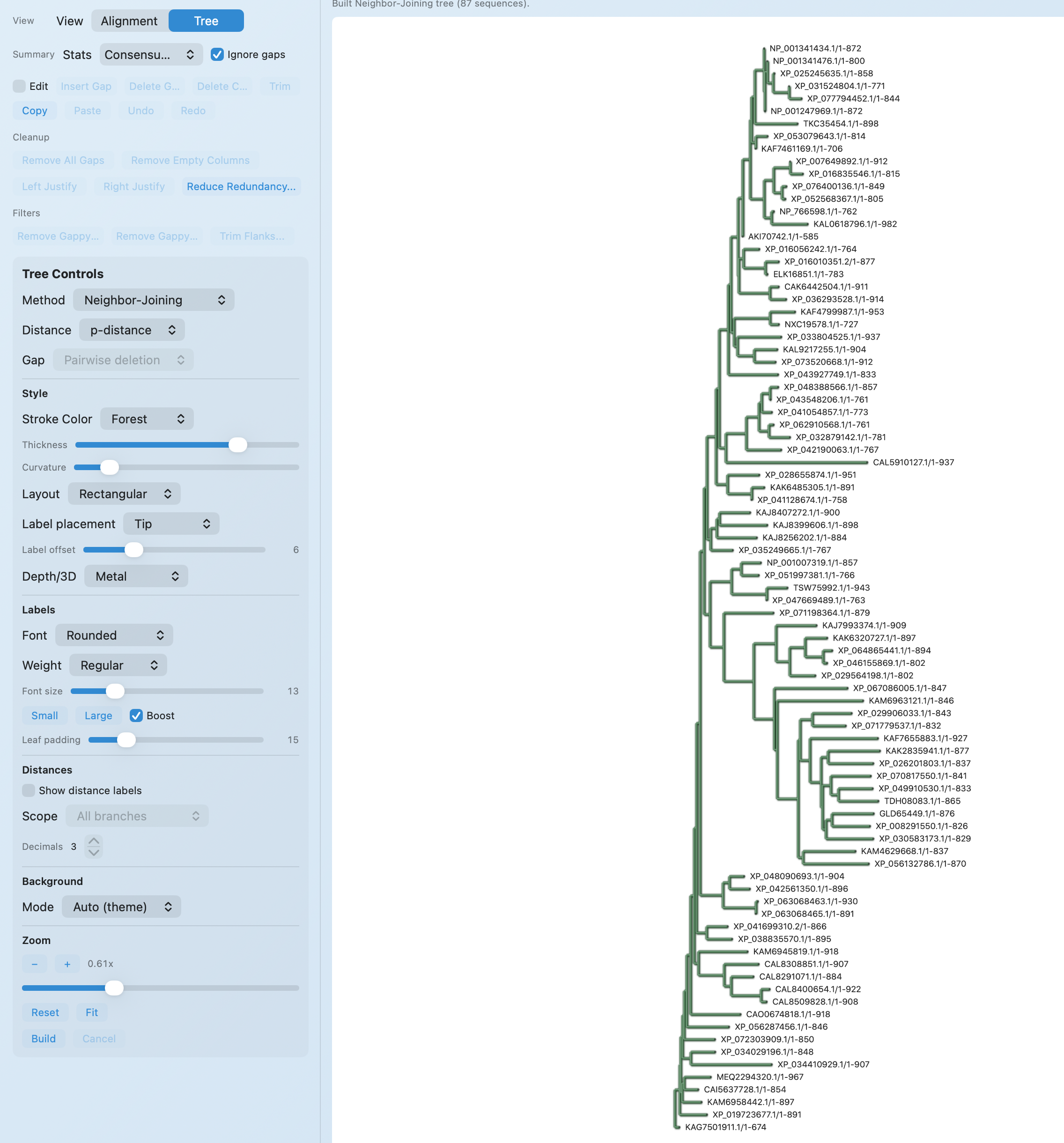
Adjust layout, labels, glyph styles, and layers—then reuse the same styling across figures for consistency.
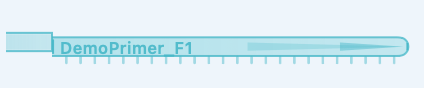
Choose primer glyphs that stay legible at slide scale—direction, binding, and intent are clear at a glance.



Switch between protein render styles for the audience you’re speaking to—quick scanning for meetings, detail for review.
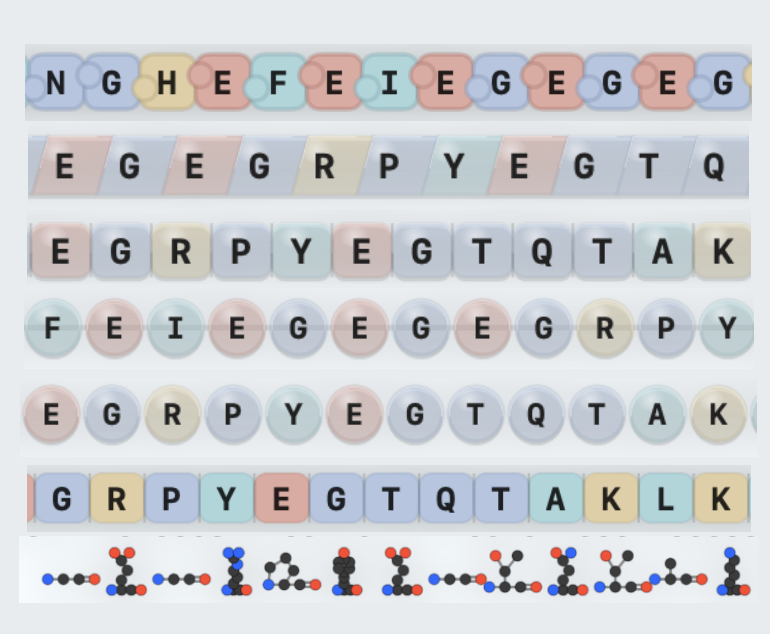
Dial in track widths, spacing, labels, and layers—then export consistent figures with predictable sizing.
WHAT YOU CAN DO
TYPICAL WORKFLOW
Pick the construct view you want to communicate and confirm annotations in context.
Adjust layout, labels, tracks, and glyphs for your audience.
Export a clean figure with the right sizing and labeling.
Drop into slides/papers and keep the figure linked to the construct.
OUTPUTS
Join the external beta—built for active bench teams.