
Import
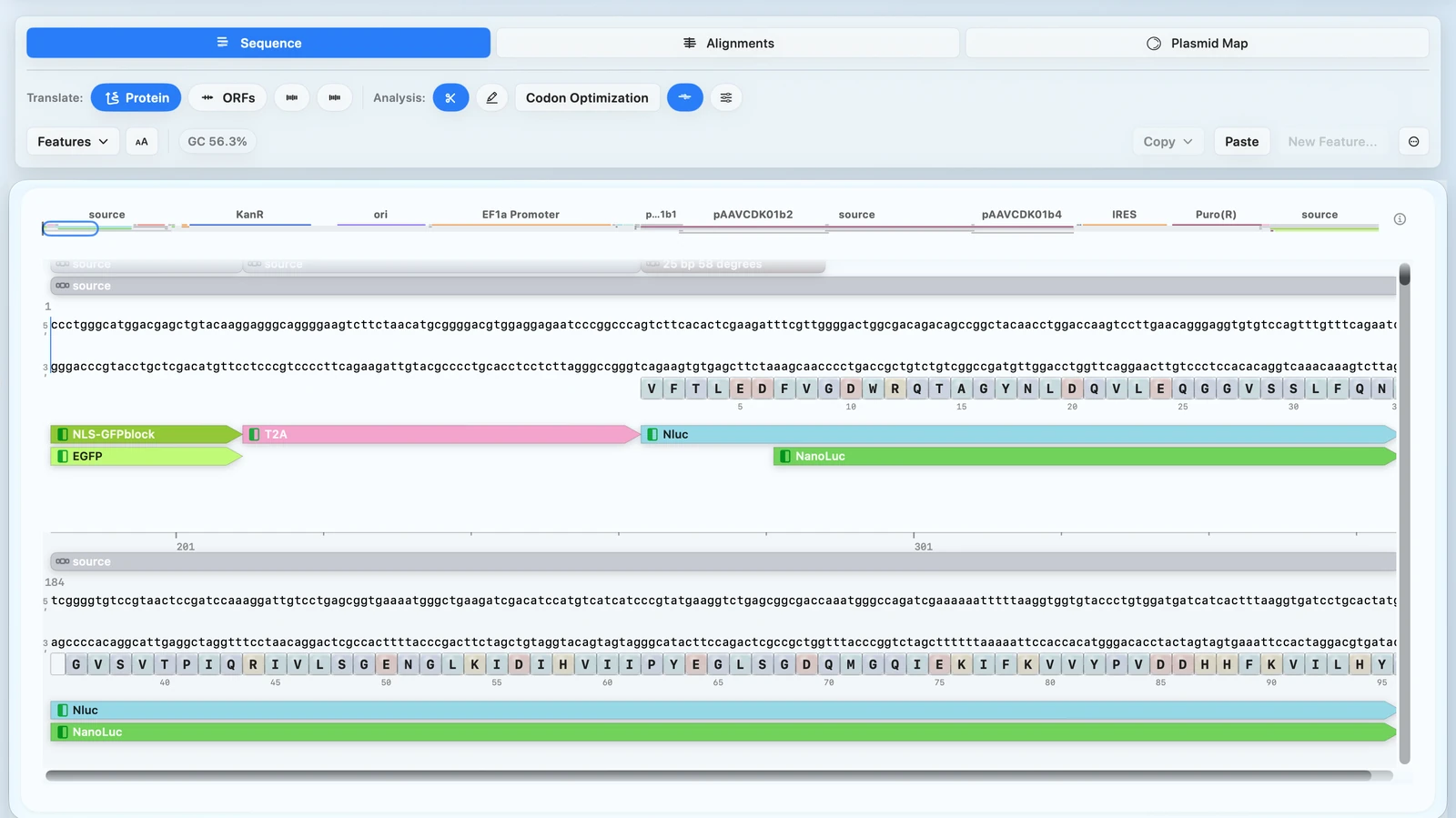
Import and work with a DNA sequence
Import a sequence and begin working with it in the right context.
START HERE
Import a sequence, make edits, design primers, and validate your construct.
COMMON TASKS
Start with the workflow that matches the task in front of you.
Import
Import a sequence and begin working with it in the right context.
Edit
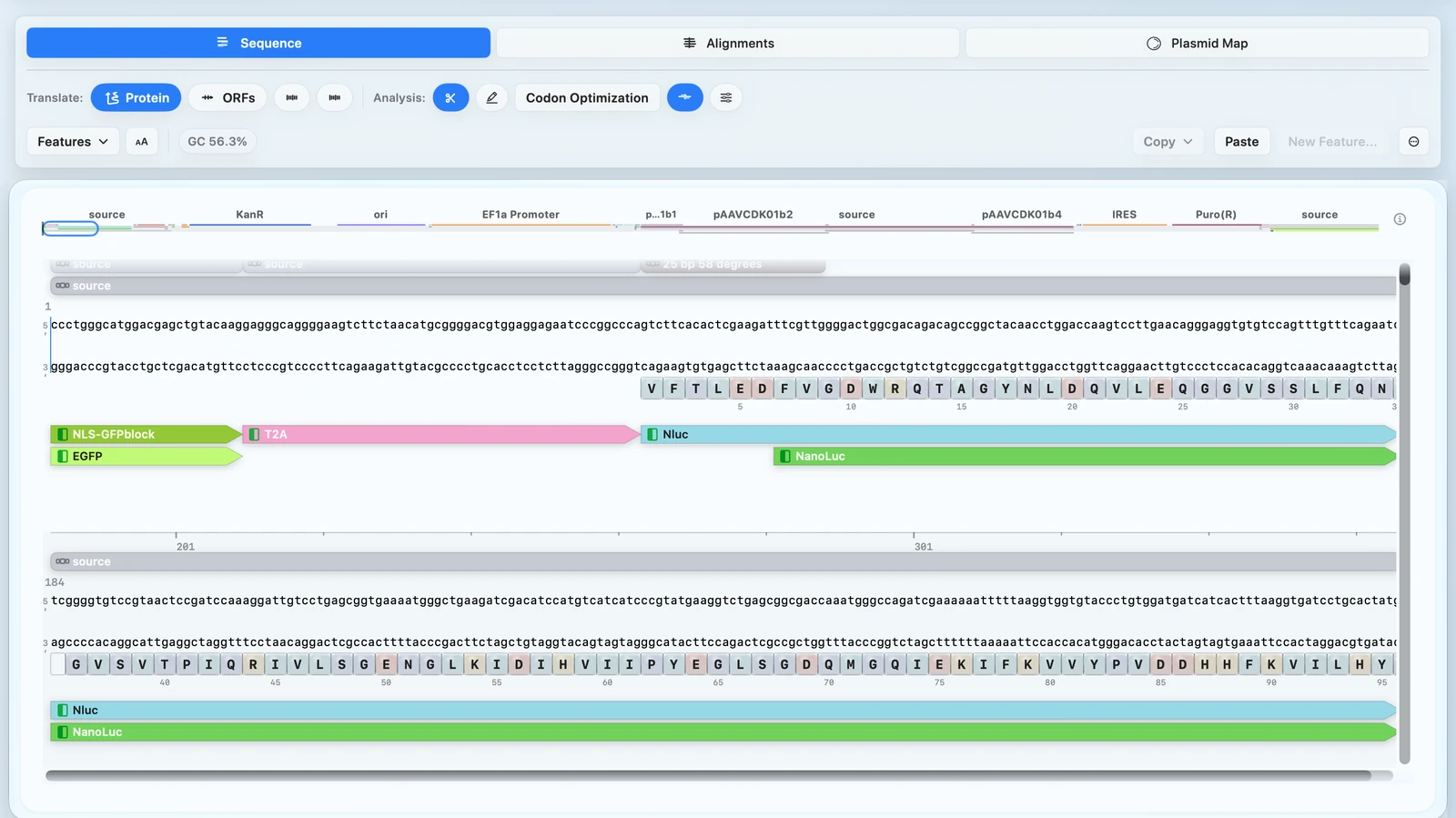
Select a region, make the edit in place, and confirm the result.
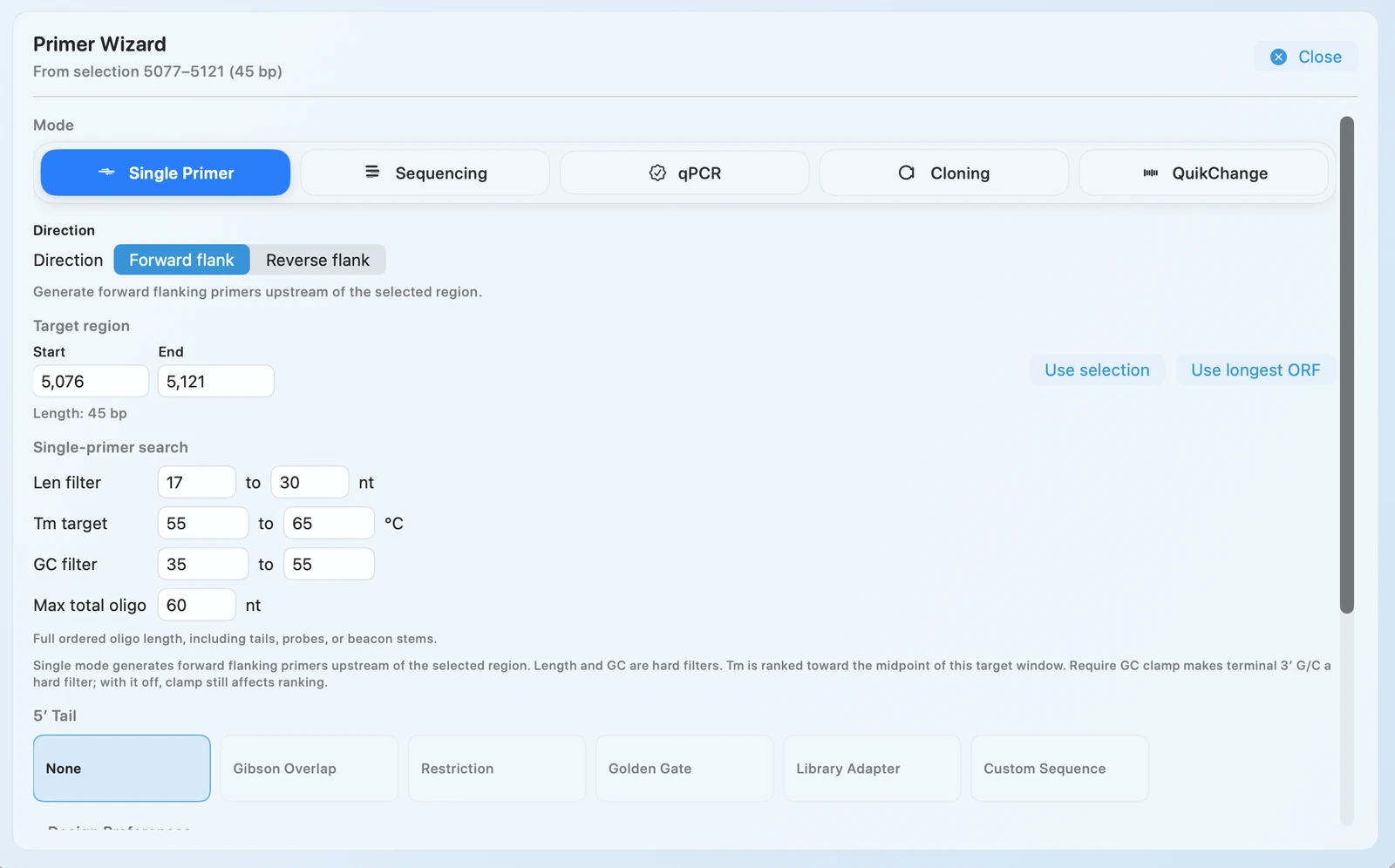
Primer Design
Generate primer candidates from the active construct and review them in one flow.
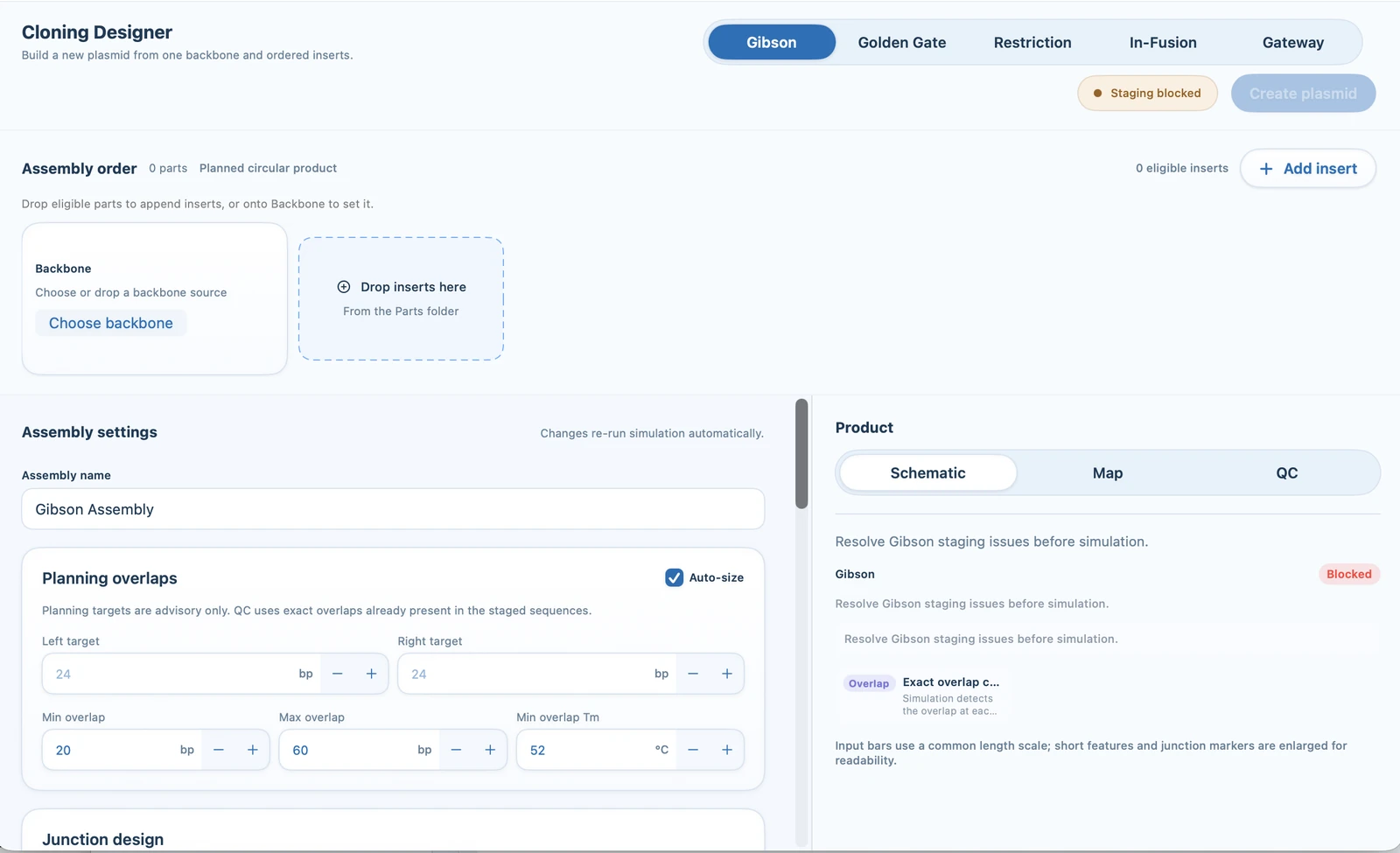
Cloning
Stage a backbone and inserts, review overlap QC, and assemble the plasmid.
Validation
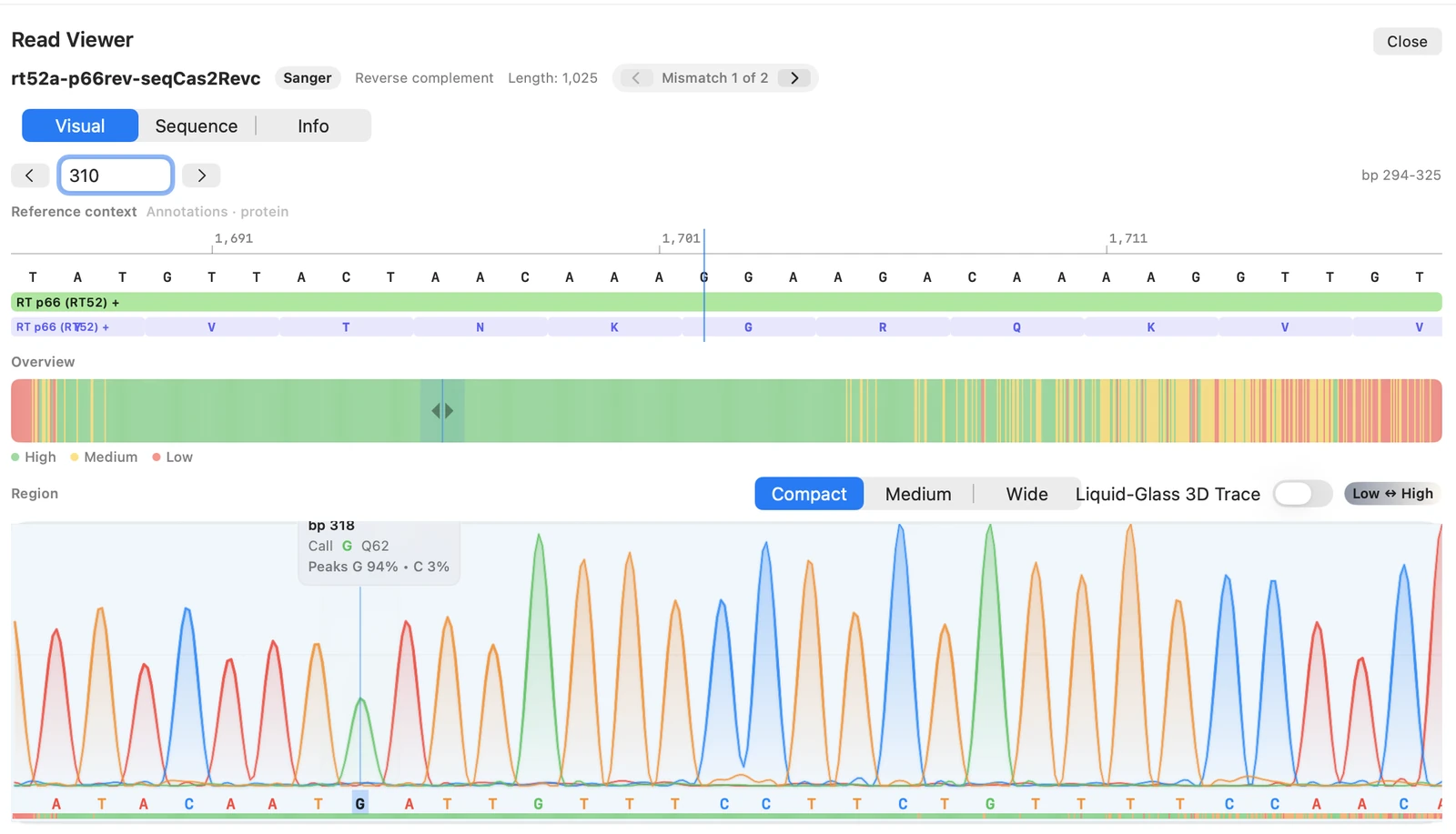
Inspect mismatch evidence and confirm whether the construct is validated.
Maps & Figures
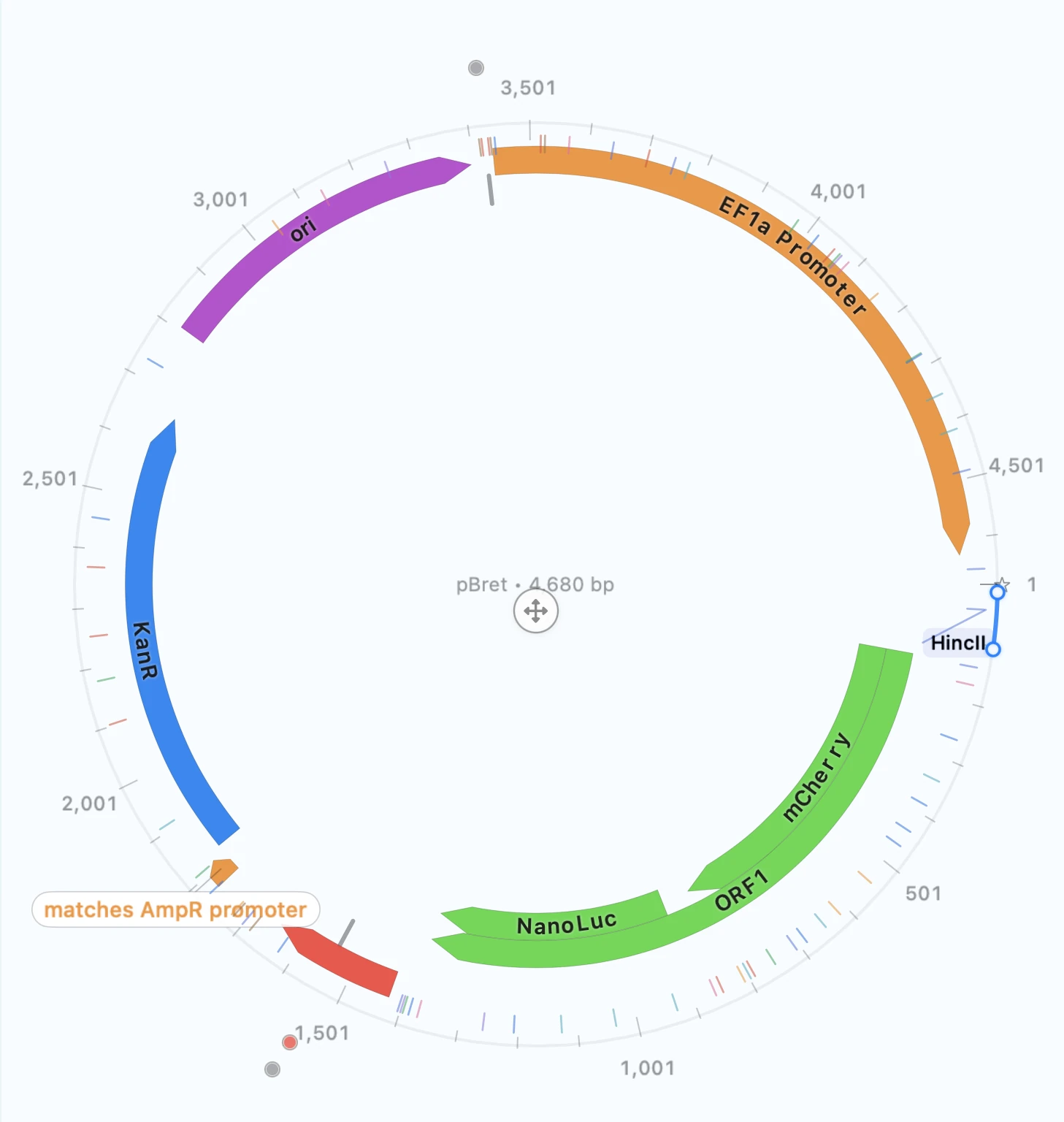
Create a clean plasmid map for slides, manuscripts, or handoff.
ADVANCED WORKFLOWS
Keep the common tasks above as the default path. Use these when you already know you need them.
Align multiple sequences and export the alignment or tree when that is the task in front of you.
Start here when you need protein-to-DNA conversion or codon changes without changing the encoded protein.
MORE TOOLS
Keep sequences and related records grouped so work stays easy to find.
Move between working contexts cleanly when you are juggling more than one construct.
Use the built-in calculators for quick dilution, concentration, and buffer checks. Need lab math away from your Mac? RayCrest Lab Calculator brings buffer recipes, solution prep, conversions, and protocol timers to iPhone and iPad.
HELP
Start with troubleshooting when something is failing and you need the fastest next check.
Confirm what RayCrest MDS can import or export before you try again.
Use support when you need help with setup, import, export, or validation.