Create a circular map and export it
Use this page when you want a clean plasmid map for a slide, manuscript, or handoff file without leaving the construct you already reviewed.
Before you start
- Select the plasmid you want to present.
- Make sure the active construct has the labels, primers, or sites you actually want to show.
- Move into map view before you try to export.
Open circular map view
- Use the top
Viewpicker. - Select
Circular Map.
View the circular plasmid map
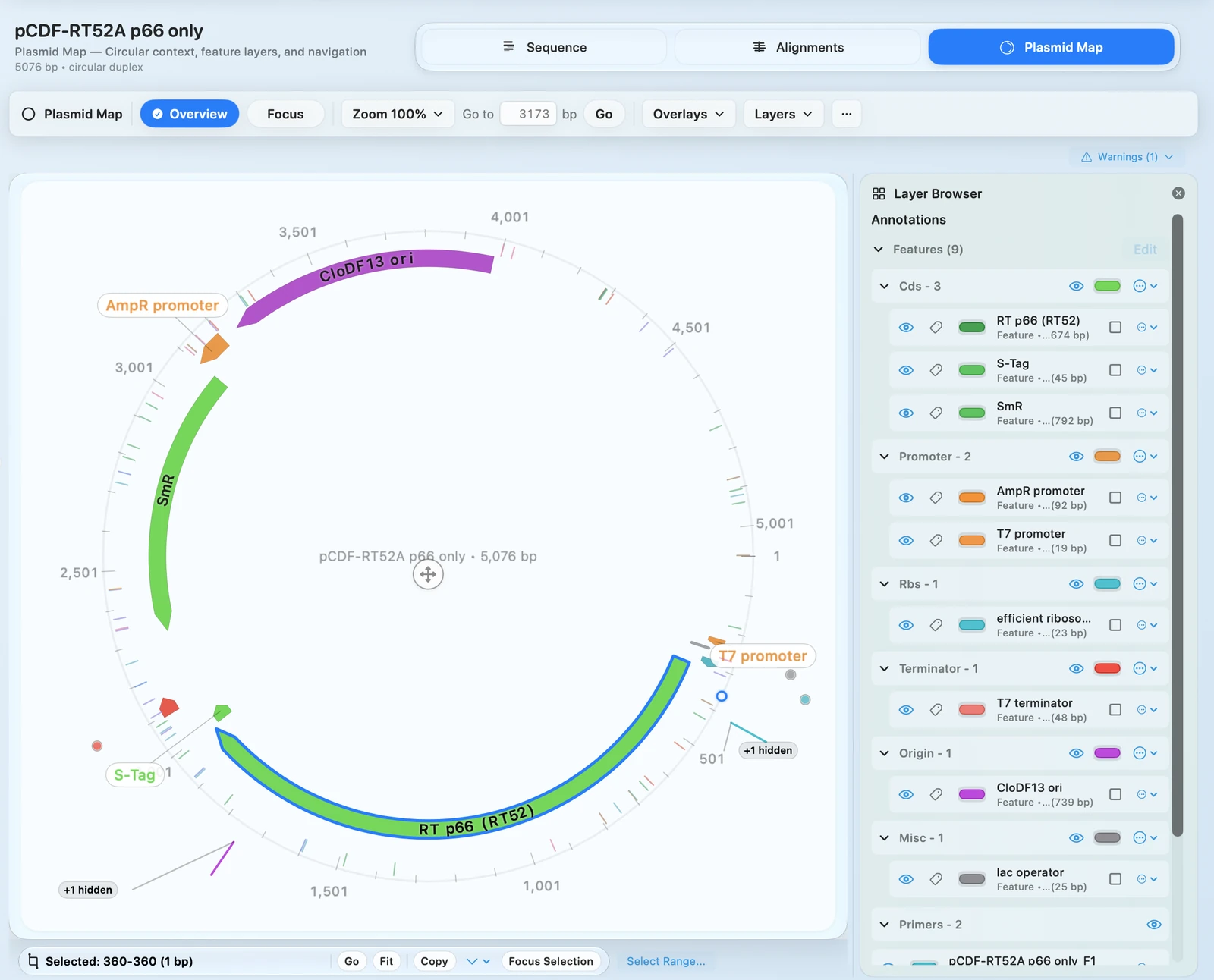
Switch into Circular Map view so you can inspect the plasmid layout before you export it.
Check your result - The circular map canvas appears. - The map toolbar is visible.
Set the layer visibility you want to show
- Use the main toggle row to show or hide:
LabelsRulerPrimersSites- Open
Layers...when you need finer control. - Use
Fitif you want a complete, centered overview before export.
Check your result - The visible layers update immediately. - The map looks closer to the figure you want to share.
Export the map
- Click
Exportin the map toolbar. - Choose the export variant that matches your goal:
PNG (as shown)...PDF (as shown)...PNG (standard)...PDF (standard)...- Choose a save destination and complete the export.
Export a publication-ready figure
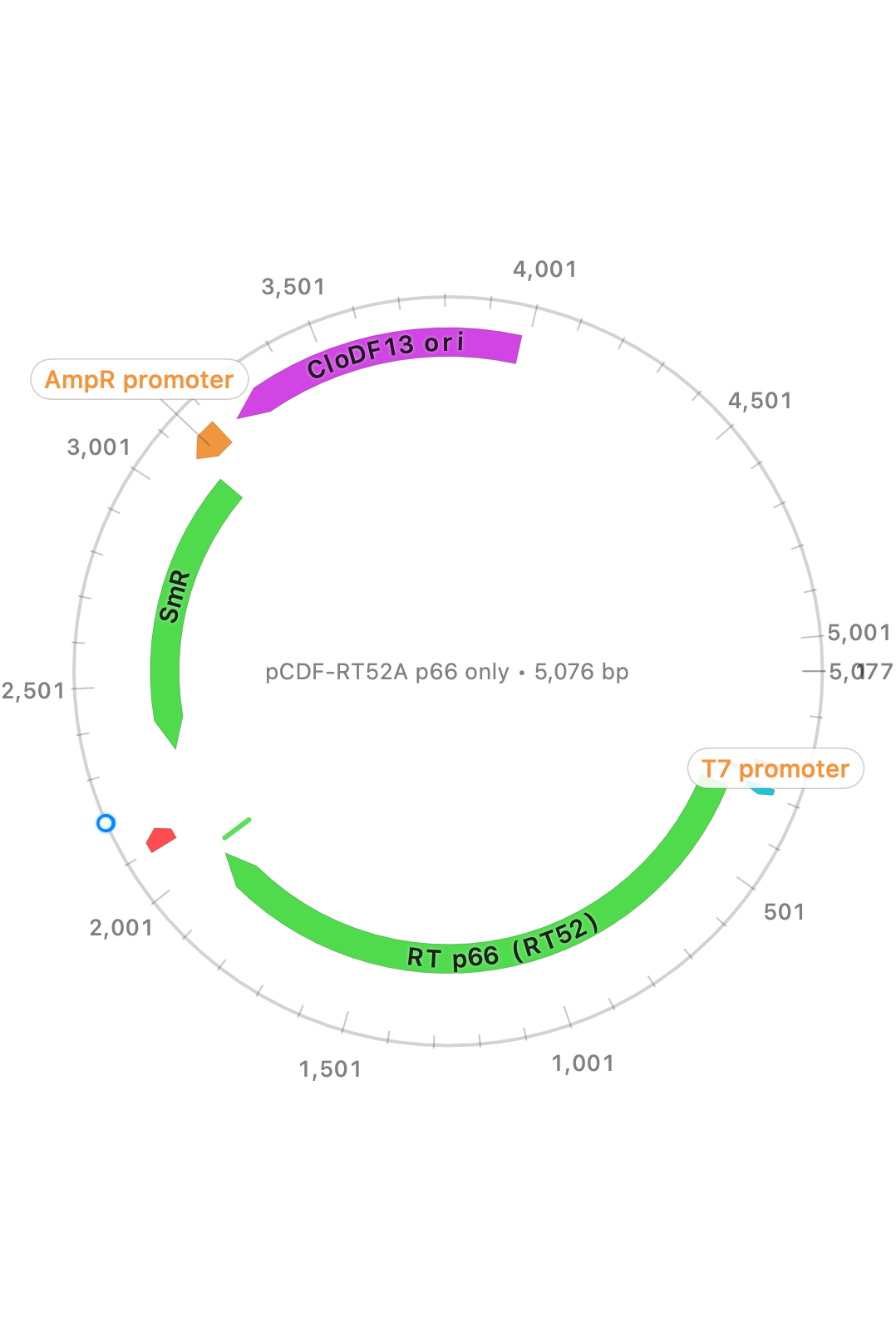
Use the export controls to save the current map as a clean figure for slides, reports, or manuscripts.
Check your result - The exported file is written to the location you selected. - The output matches the framing and layer choice you intended.
Choose the export variant deliberately
- Use
as shownwhen you want the current framing and visible layers preserved. - Use
standardwhen you want a more normalized output that ignores temporary framing changes.
Tip - If the map looks crowded, turn off nonessential layers before you export instead of fixing clutter after the fact.
If it doesn't look right
- Export options are unavailable:
- Confirm a plasmid is active and
Circular Mapview is open. - Primers or sites are missing:
- Turn the relevant layers back on and confirm those annotations exist in the active construct.
- The output looks cluttered:
- Hide extra layers and retry the export with a cleaner map state.