Run multiple sequence alignment
Use this page when you want to import sequences into the MSA workspace, run AlignCove, review the alignment, and export the result or a tree view.
Before you start
- Open the workspace where you want the MSA stored.
- Switch to
Alignmentsand open the MSA panel. - Make sure your input files are in a supported alignment format.
Import sequences into an MSA
- Click
Import...in the MSA sidebar. - In the import accessory, choose:
Open AsImportmode:New MSAAdd Sequences to Current MSA
- Select one or more supported files.
- Confirm the import.
Import sequences for alignment
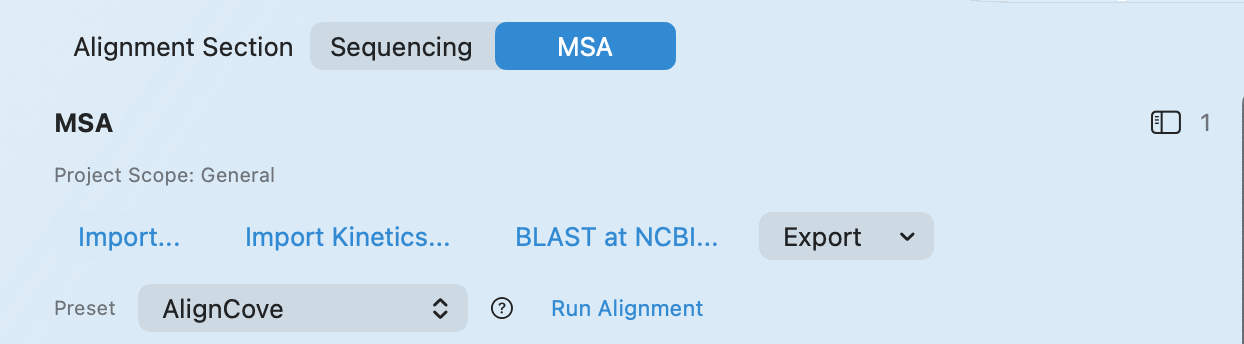
Import the sequence files you want to compare into a new or existing MSA workspace.
Check your result - The imported alignment appears in the MSA list. - The visible sequence count updates.
Run AlignCove
- In
Preset, chooseAlignCove. - Click
Run Alignment. - Wait for the job to finish before you judge the output.
Check your result - The alignment canvas updates with the aligned sequences. - The alignment controls are active.
Review the alignment and export the file
- Use the alignment controls you need, such as zoom, color scheme, consensus score, or logo.
- Open the
Exportmenu. - Choose the output you want:
FASTA...CLUSTAL...PNG Snapshot...
Review the alignment
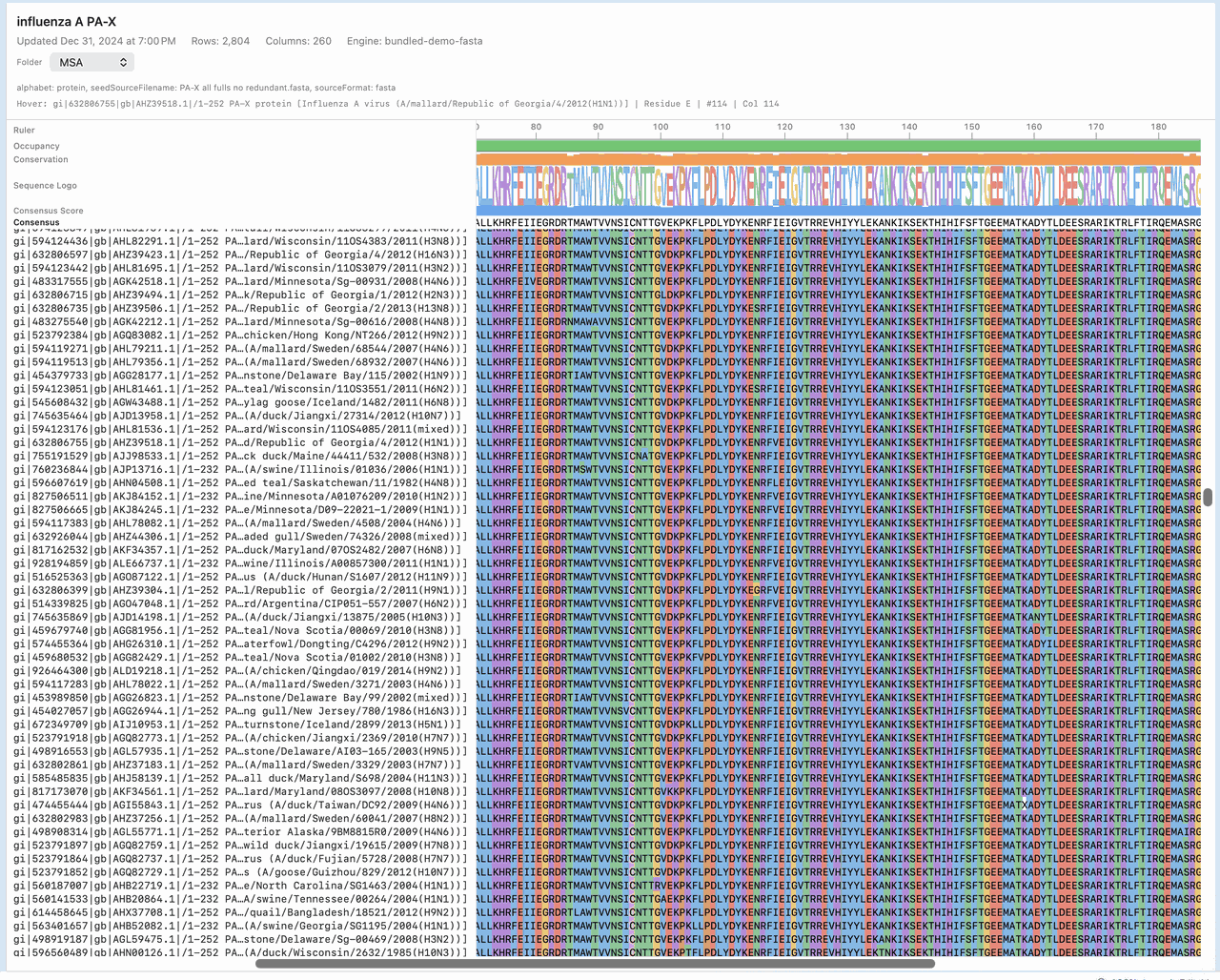
Review the alignment viewer before you export anything so you can confirm the sequences align the way you expect.
Tip - Export only after the alignment view has fully rendered, especially for PNG snapshots.
Build and export a tree when needed
- Switch the MSA content view to
Tree. - Click
Build Tree. - Adjust the framing with
Fit,Reset, or zoom controls as needed. - Export the tree in the format you need:
Export NewickExport SVGExport PNG
Check your result - The tree view renders and the export actions are available.
If it doesn't look right
Run Alignmentis disabled:- Confirm an alignment with sequences is selected and no other run is already in progress.
- Export options are disabled:
- Select an alignment payload first.
- Neighbor-Joining is unavailable or slow:
- Reduce sequence count or choose a lighter method before retrying.