UI reference
Use this page when you need a quick orientation to the main areas of RayCrest MDS before you start a task.
At a glance
- Left sidebar:
ProjectsandParts - Main canvas: the active editor or viewer
- Right inspector: task details, evidence, or settings when the current view uses it
- Top
Viewpicker: switches between the main working modes
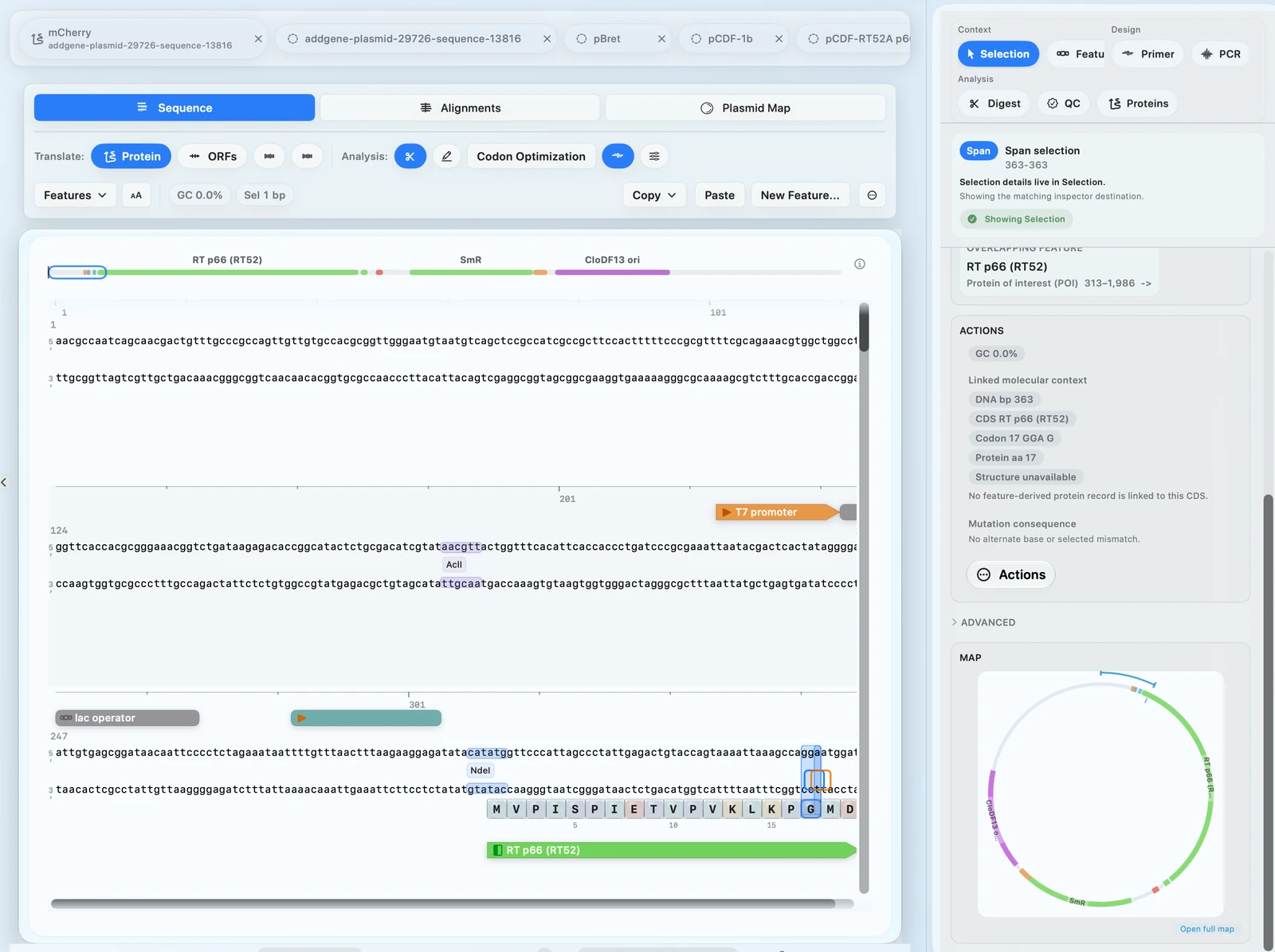 Use this layout snapshot only to orient yourself, then jump to the task page that matches what you want to do.
Main views
Sequence: go to Import, inspect, and export a DNA sequence or Edit a DNA sequenceCloning: go to Gibson cloning or Design primersAlignments: go to Review AB1 sequencing, Review sequencing QC and history, or Run multiple sequence alignmentCircular Map: go to Create maps and export figures