
Paste amino-acid sequence or load a FASTA record.

CODON OPTIMIZATION + REVERSE TRANSLATE
Use the reverse translation tool to reverse translate protein sequences to coding DNA and optimize in-frame coding targets while preserving the encoded amino-acid sequence. Everything stays in the same local-first macOS workflow as your sequence editing, plasmid maps, primer design, and AlignCove runs — no context switching required.
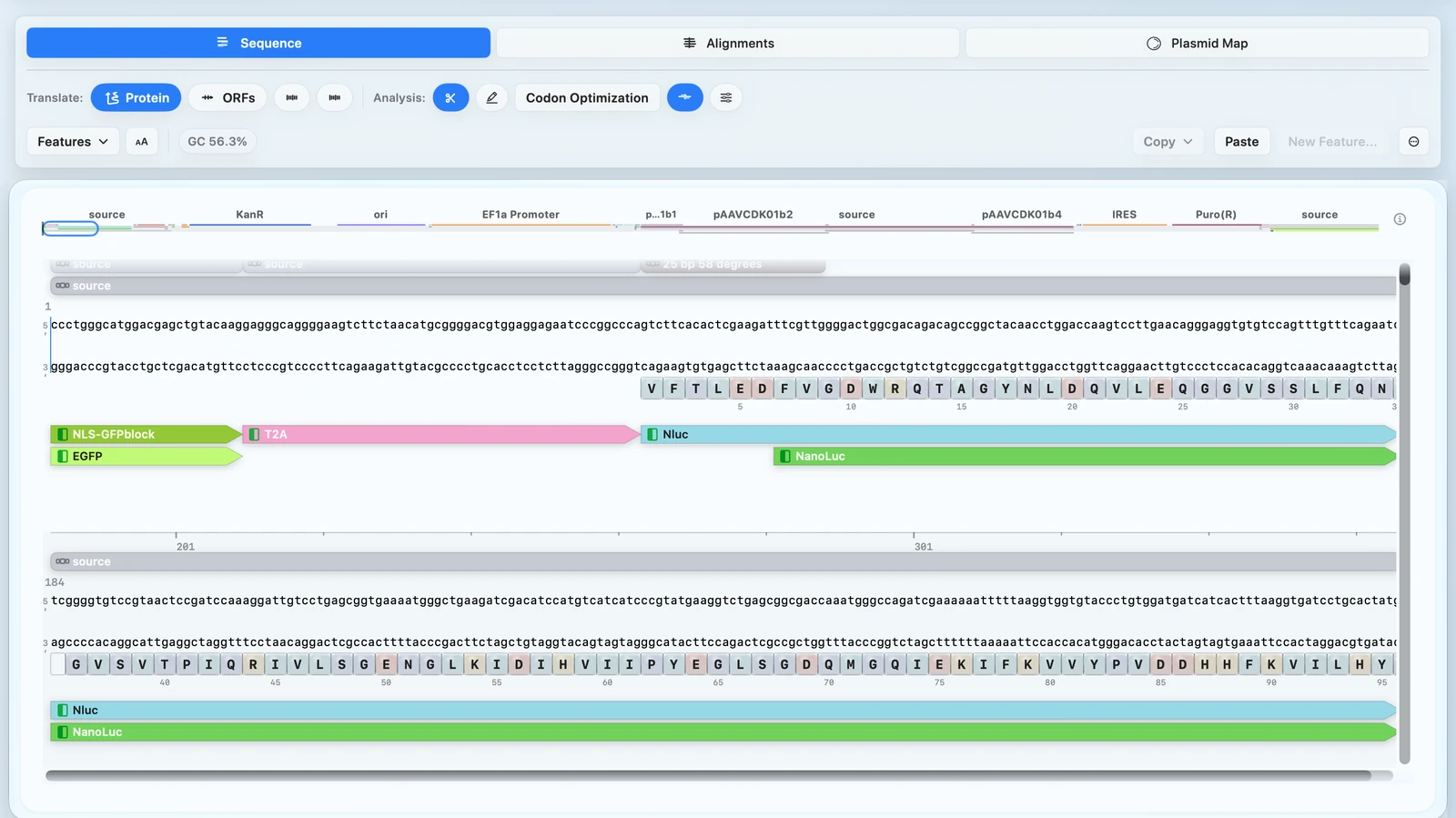
VISUAL WORKFLOW
Paste amino-acid sequence or load a FASTA record.
Reverse translate protein sequences to coding DNA while preserving the protein sequence.
Run Classic or Harmonize optimization modes.
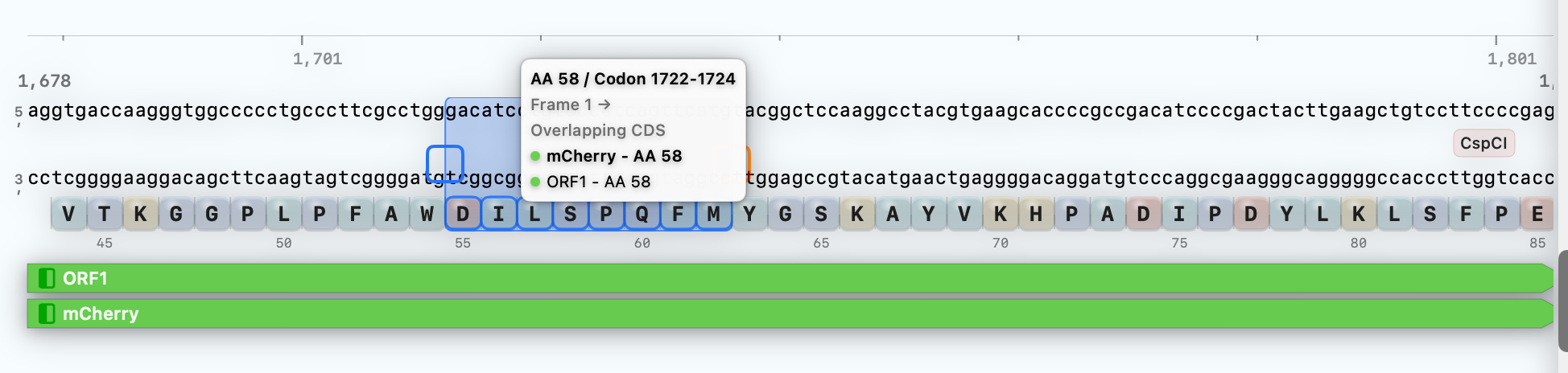
Use the optimized DNA directly in plasmid editing, primer design, and map export.
OPTIMIZATION MODES
Both modes use a deterministic optimizer — the same coding target and settings always produce the same optimized sequence and metrics, so results are reproducible and reviewable.
Classic Optimization
Use Classic when you want to improve codon efficiency and sequence
quality in one pass without changing the encoded amino-acid sequence.
Best for: gene synthesis, recombinant protein expression, and plasmid construct design.
Harmonize Optimization
Use Harmonize when re-expressing a protein from another organism and
folding kinetics matter. It adapts the CDS for the target host while preserving
relative codon-usage patterns from the source.
Best for: complex proteins, multi-domain proteins, and cases where folding kinetics matter.
BIOLOGICAL CONSTRAINTS
The optimizer evaluates several biological sequence properties:
RESULT PROOF
RayCrest reports before-and-after optimization metrics so the result can be reviewed, not treated as a black box. This example surfaces CAI, GC %, CpG count, repeat burden, motif burden, and deterministic output in one place before you accept the coding-sequence change.
Optimization Report
ClassicBefore / after metrics
| Metric | Before | After |
|---|---|---|
| CAI (human_nuclear) | 0.6501 | 0.8850 |
| %GC | 37.9% | 53.9% |
| CpG count | 1 | 15 |
| Repeat 8-mers | 82 | 5 |
| Motif hits (PAS / splice-like) | 17 / 29 | 2 / 26 |
Example values above are shown to demonstrate the kind of before/after report RayCrest exposes. CAI, GC %, CpG count, repeat burden, motif burden, and deterministic output stay reviewable in one result view instead of collapsing into a hidden single-number decision.
UI PROOF
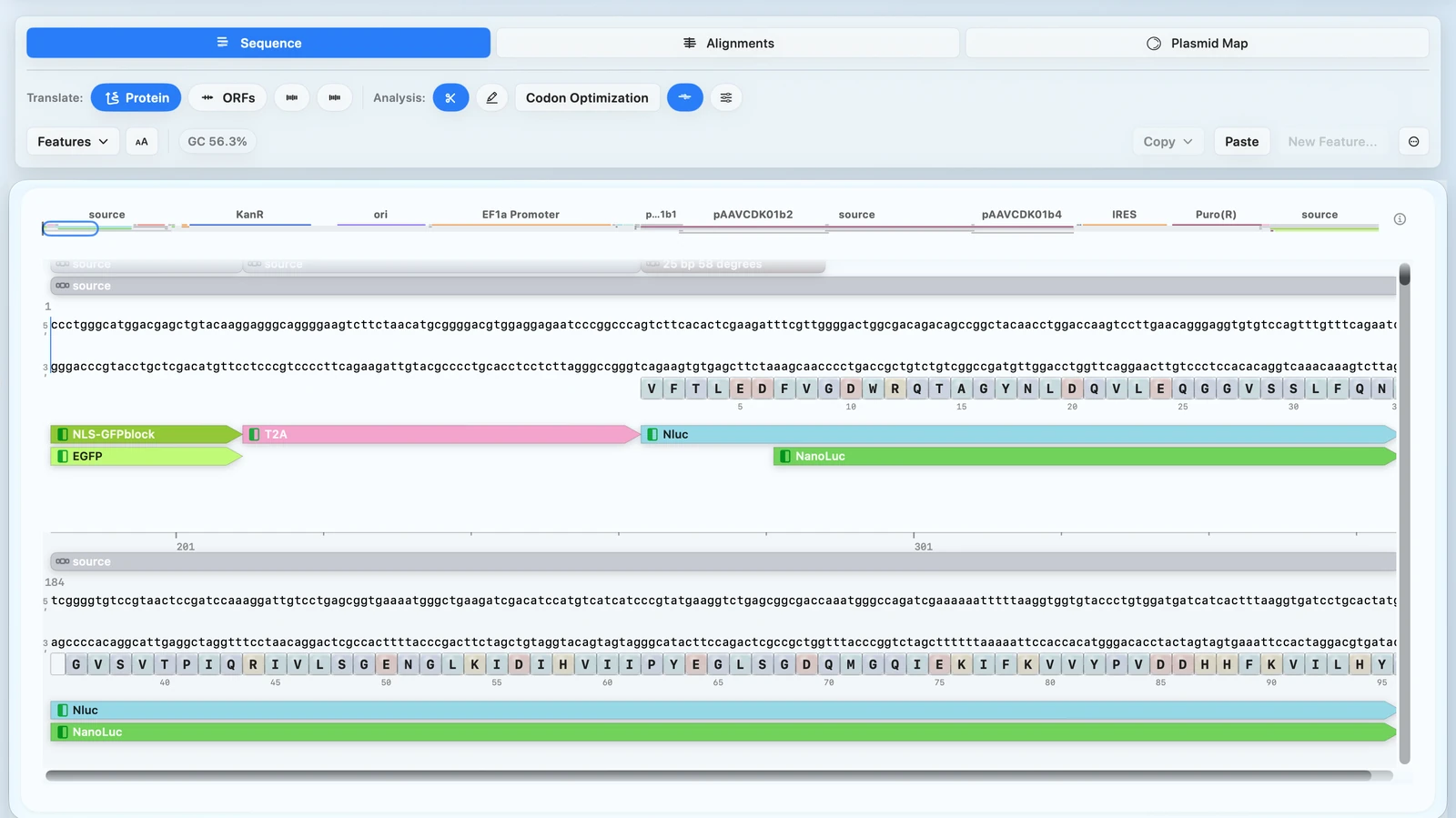
Reverse-translated or optimized DNA stays alongside sequence, protein, and annotation context — no separate utility needed.
Codon and amino-acid context stays visible right where the optimized sequence continues downstream.
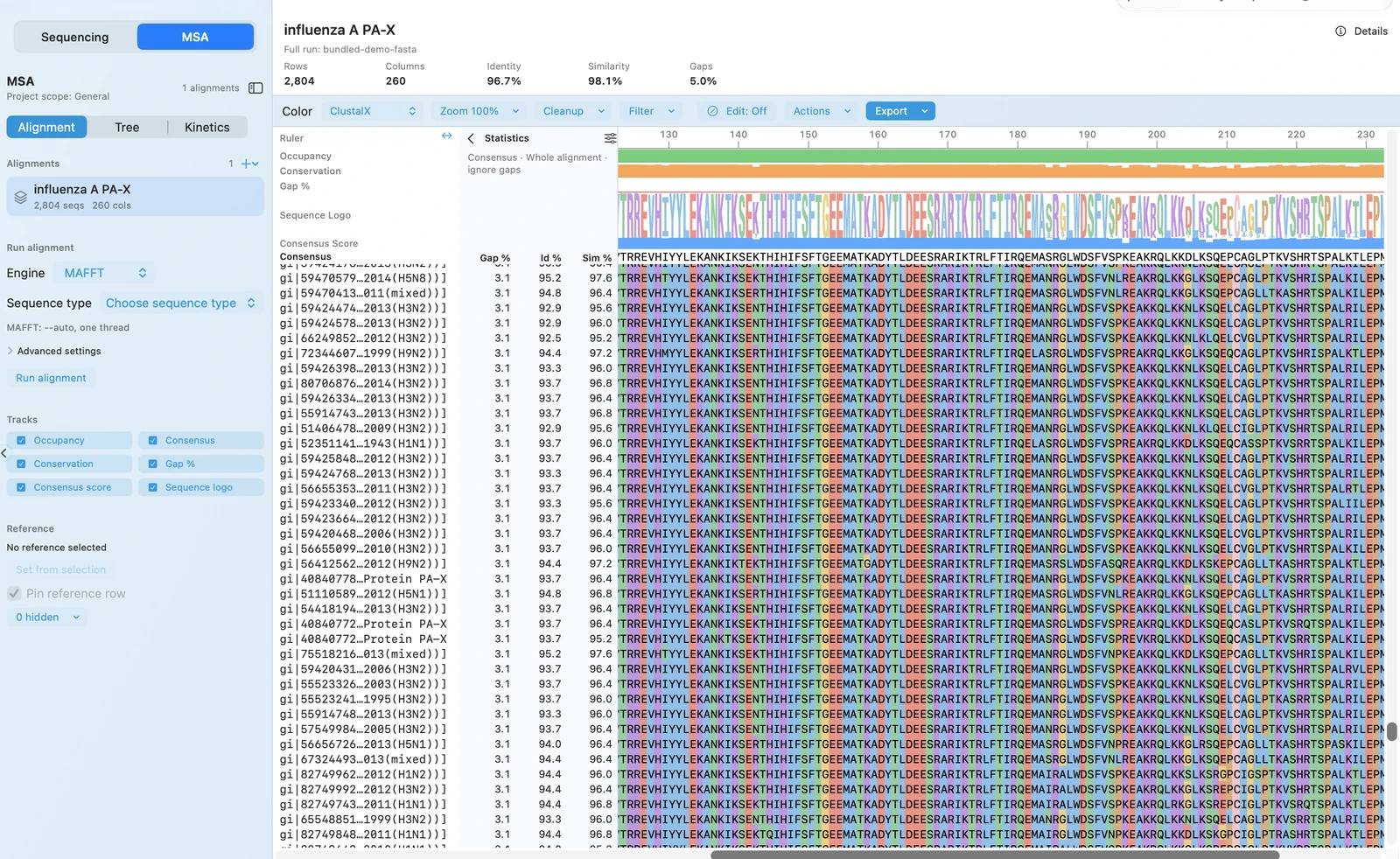
Run a protein MSA first, then carry that result directly into reverse translate or codon optimization.
CURRENT SCOPE
| Supported now | Not claimed |
|---|---|
|
|
CONNECTED WORKFLOW
Each optimized sequence flows directly into the construct, alignment, and primer surfaces you're already working in.
Sequence Workspace
Go straight back to plasmid editing, annotation review, and map-aware construct work without rebuilding context.
MSA
Start from protein MSA when comparison should drive the next codon or reverse-translate decision.
Primer Design
Open Primer Wizard when the next step is sequencing confirmation, cloning, or mutagenesis work on the updated construct.
Download for Mac to keep protein-to-DNA design in the same local workflow as plasmid editing, MSA, validation, and map output.
Download RayCrest MDS for Mac. RayCrest Pro is $9.99/month.