
Publication-ready plasmid maps, faster
Move from annotated construct to publication-ready plasmid maps without external cleanup loops.
PLASMID MAP MAKER
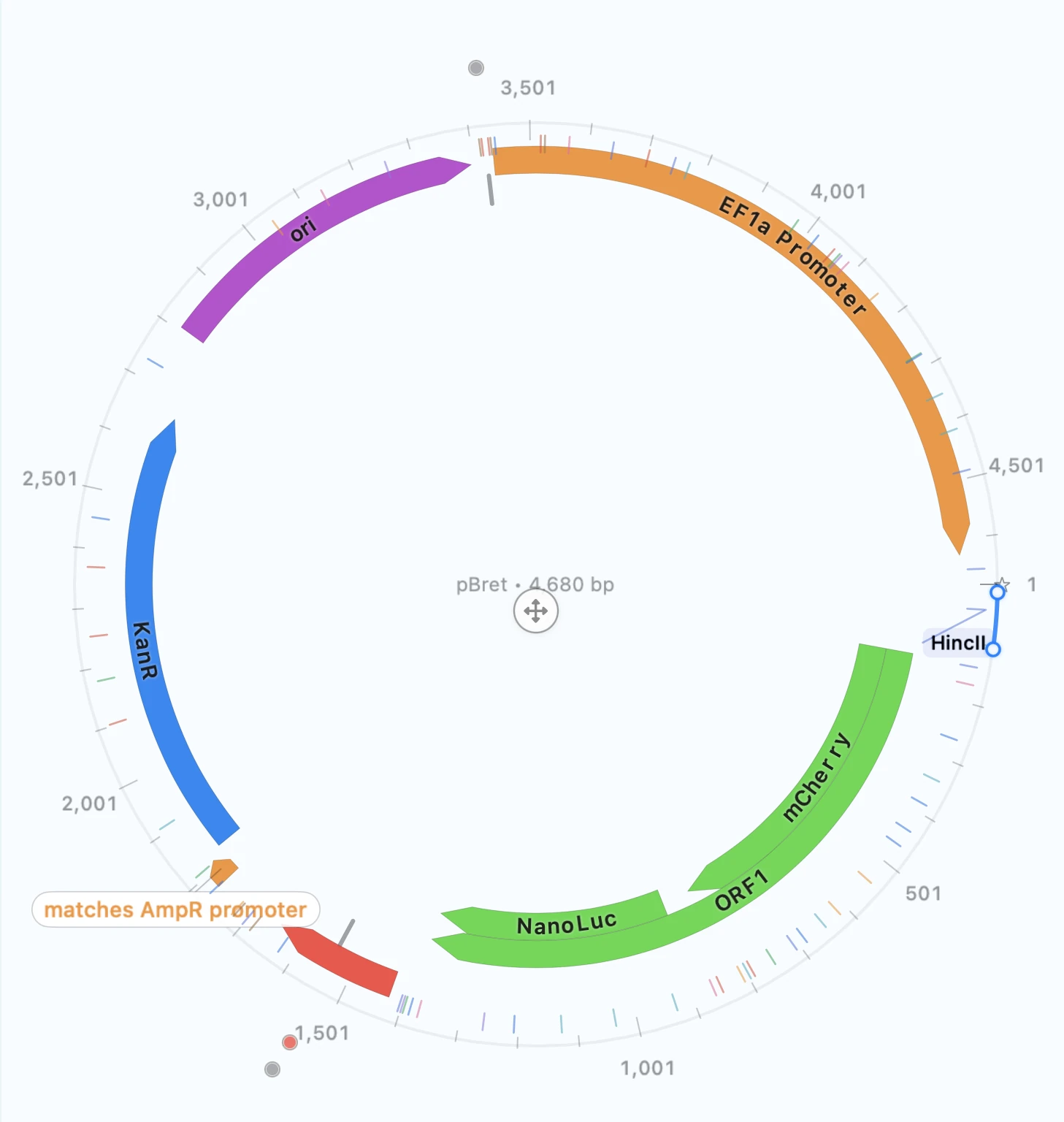
Go from annotated construct to a publication-ready plasmid map or vector diagram without rebuilding it in separate plasmid map software. Circular, linear, and rectangular outputs stay linked to the construct you actually edited and validated.
OUTCOMES
Move from annotated construct to publication-ready plasmid maps without external cleanup loops.
Generate clean figures from the construct itself instead of recreating the design in graphics software.
Use detailed primer arrows for a methods figure or cleaner shapes for a slide deck and switch styles in seconds.
Your map output stays linked to the construct it came from, so provenance is one click away.
FEATURE WALKTHROUGH
The standard way to show a plasmid at a glance, clean enough for a slide and detailed enough for a methods figure.
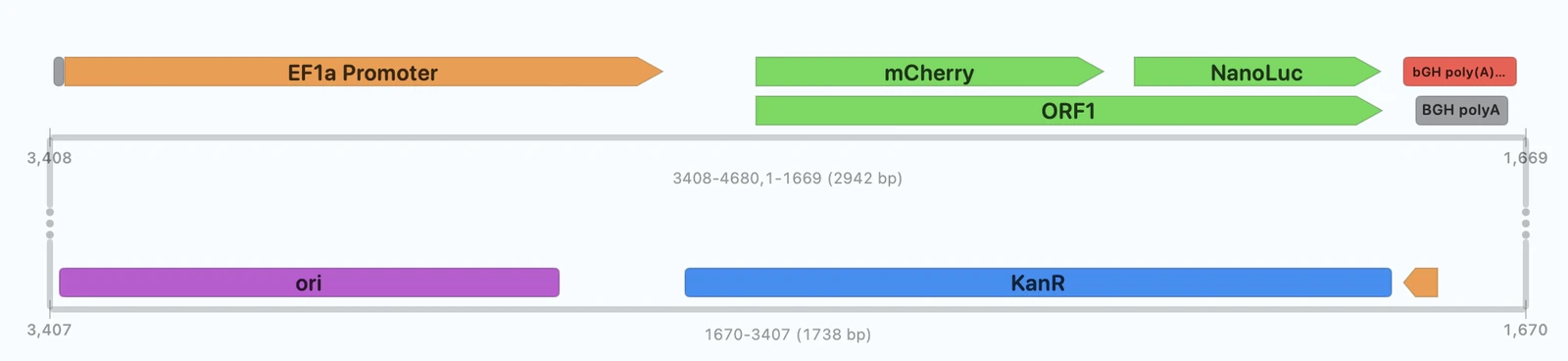
Zoom in on the region that matters without losing track of where it sits in the construct.

Use a linear layout when feature order, spacing, and direction matter more than topology.
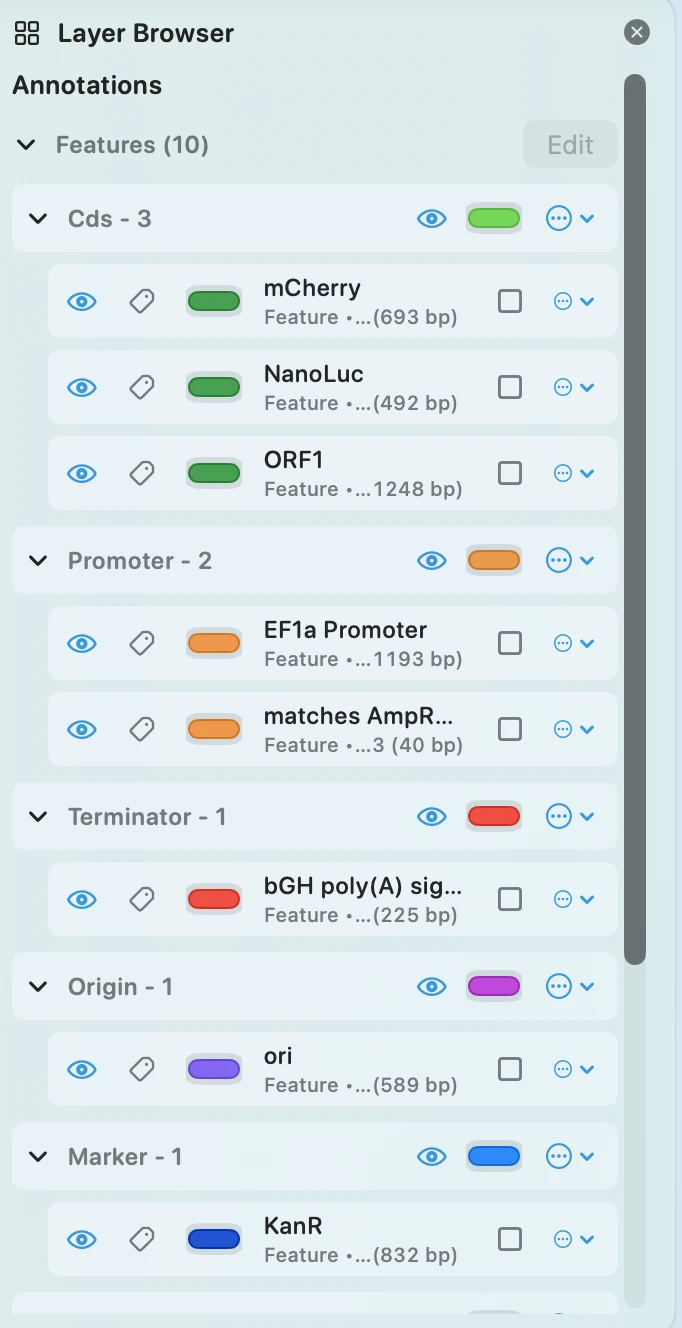
Set your styling once and reuse it across every figure in a project so your whole paper or deck has a consistent visual language without manual tweaking.
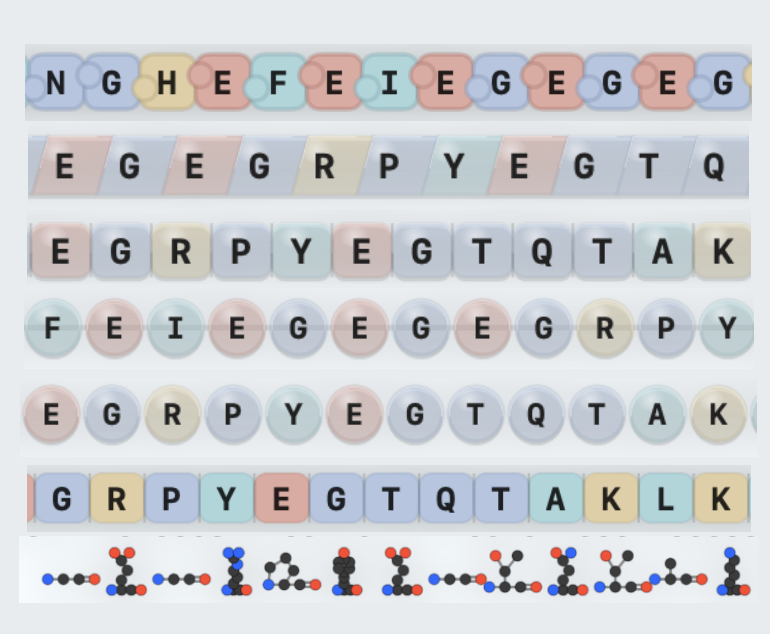
Switch between detailed and simplified render styles depending on whether you are making a methods figure, reviewer response, or slide deck.
TECHNICAL DETAILS
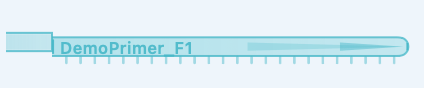
Primer glyph presets support different readability needs while preserving directional intent.



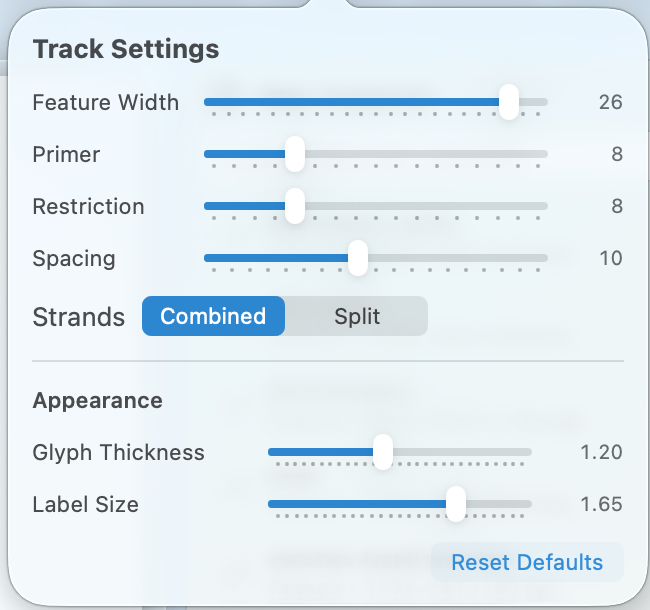
These controls let you tune label density, track sizing, and map options so a figure reads cleanly at the size you actually plan to share.
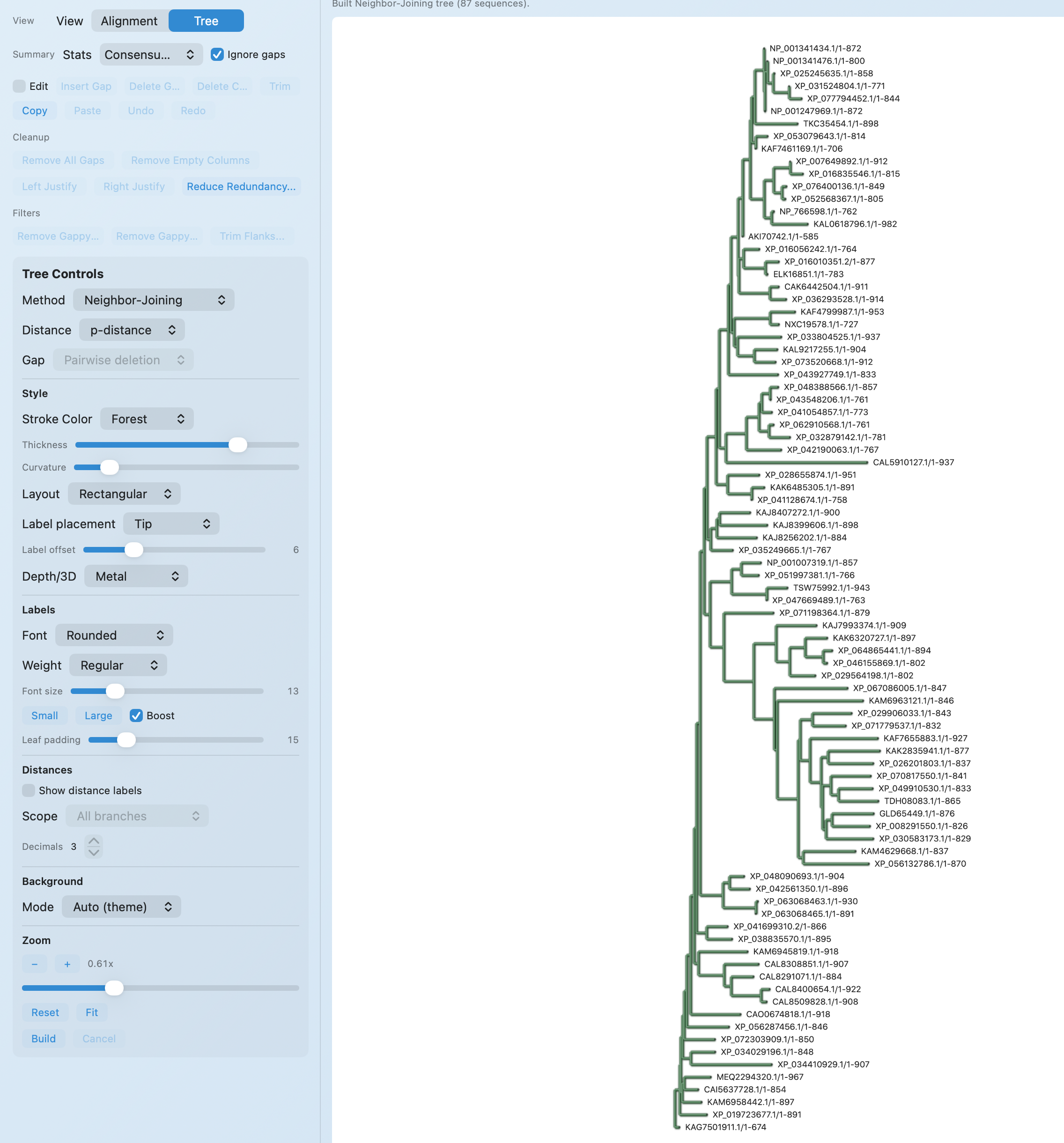
Figures are meant to go straight into slides, documents, and reviewer responses while staying traceable to the construct you generated them from.
WORKFLOW + OUTPUTS
Open the construct you want to visualize and choose your map type: circular for a full overview, rectangular to zoom into a specific region.
Configure labels, layers, glyphs, and layout for readability at intended scale.
Generate review-ready figures and share them with construct linkage intact.
WORKFLOW CONNECTION
RayCrest is strongest when the same construct moves from plasmid editing to sequencing review to publication-ready map output without being redrawn or manually re-explained.
Edit
Build the construct in sequence and map context so annotations, overlays, and part relationships are correct before export.
Validate
Use Sanger and FASTQ-backed validation when you need the exported figure to reflect a reviewed construct, not an assumption.
Share
Go straight to circular, linear, or rectangular output with styling controls and construct linkage intact.
RayCrest MDS is available now for macOS 13+.
Download RayCrest MDS for Mac. RayCrest Pro is $9.99/month.