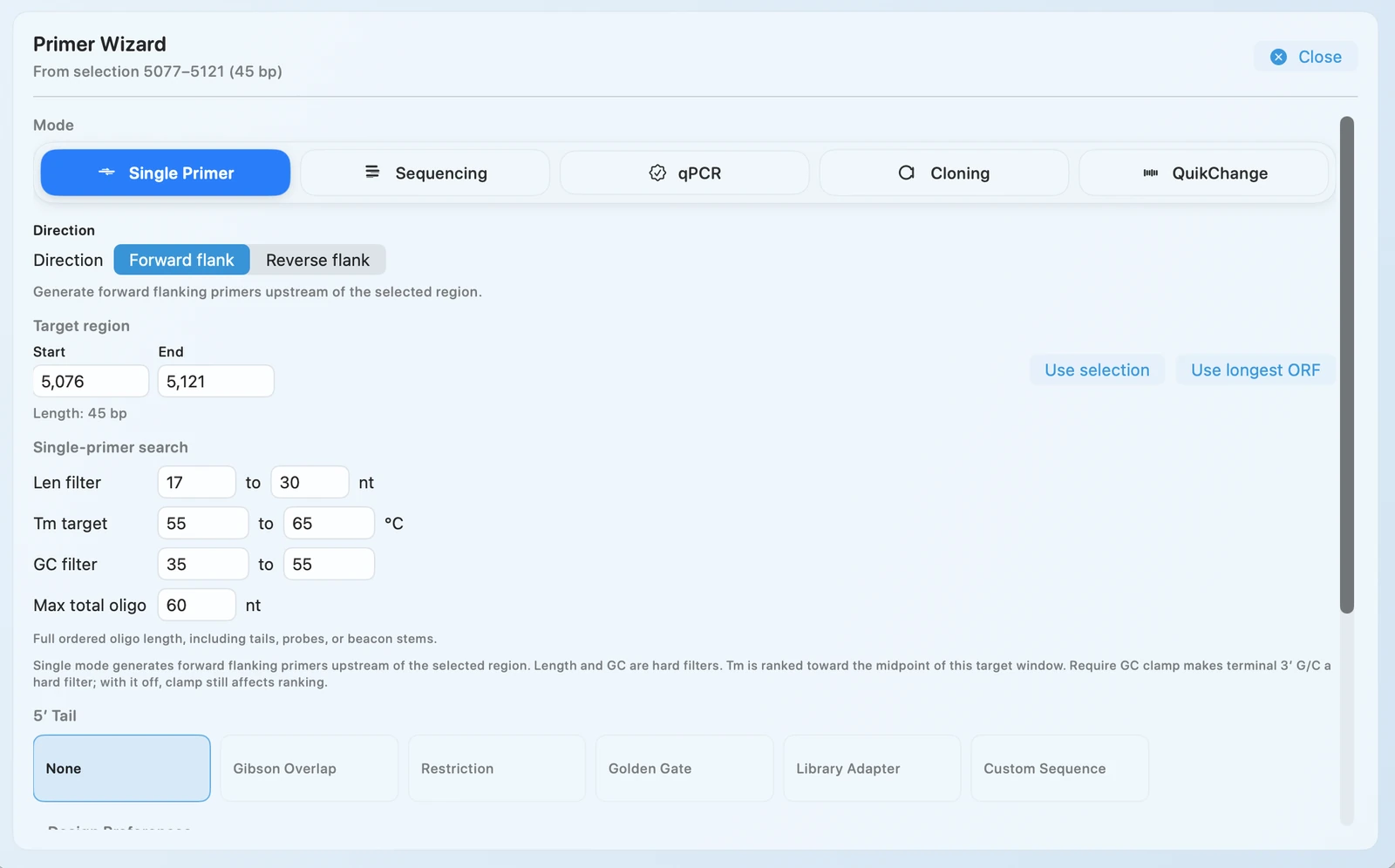
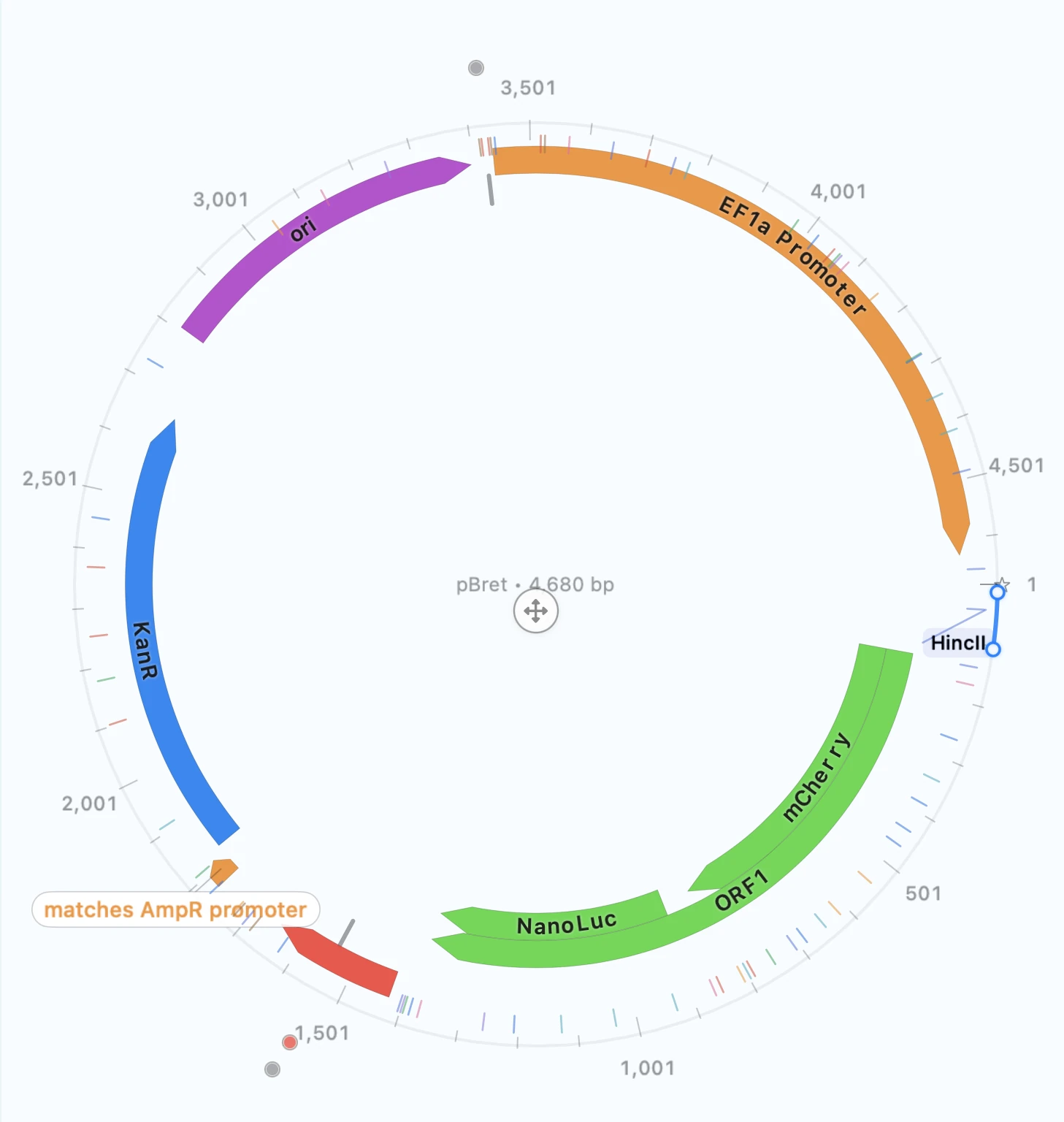
This walkthrough uses existing RayCrest MDS screenshots to show what goes in, what decision you make, and what comes out. It works as a complete reading sequence without JavaScript.
Step 1 · Open
Bring in the construct.
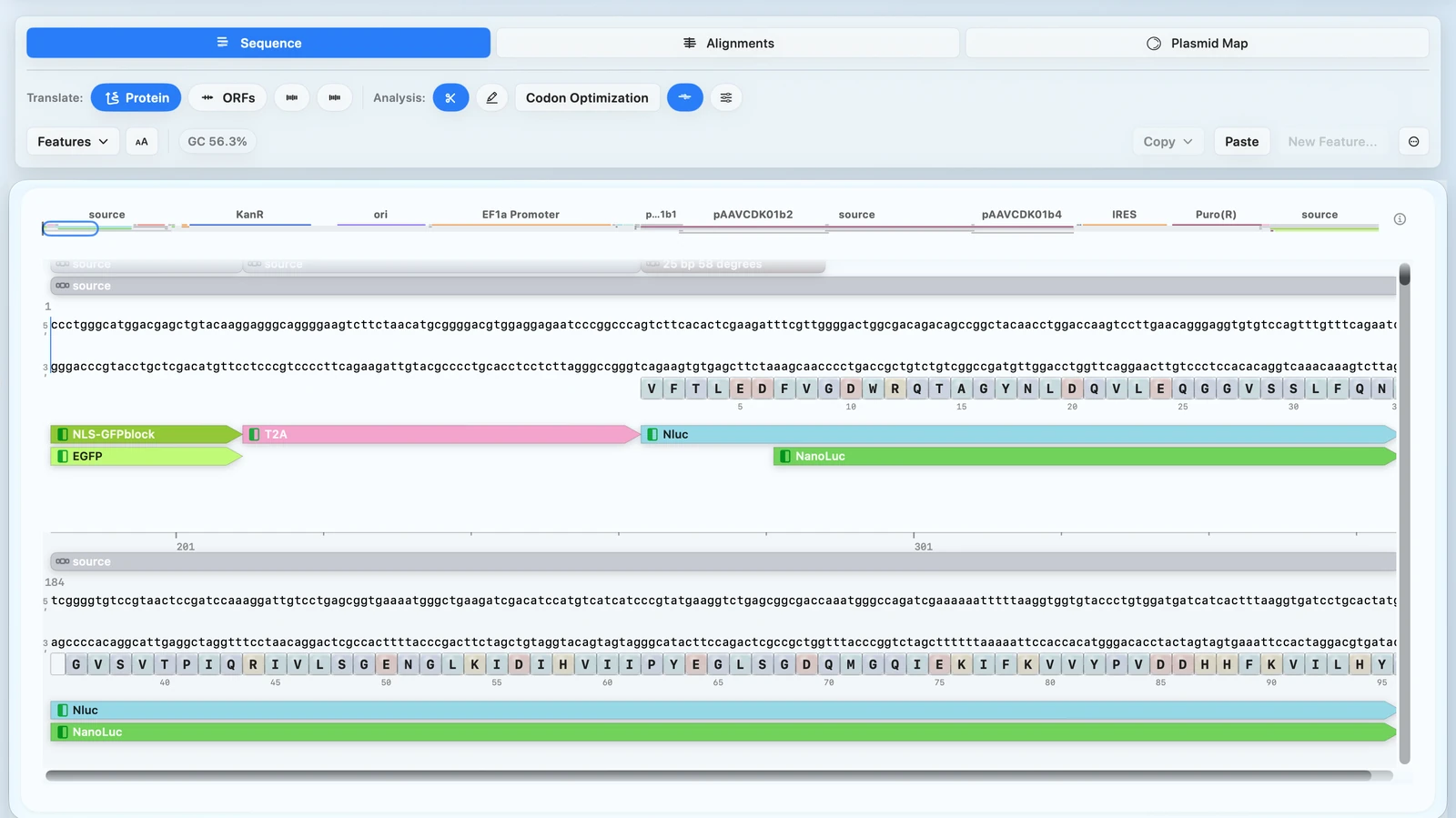
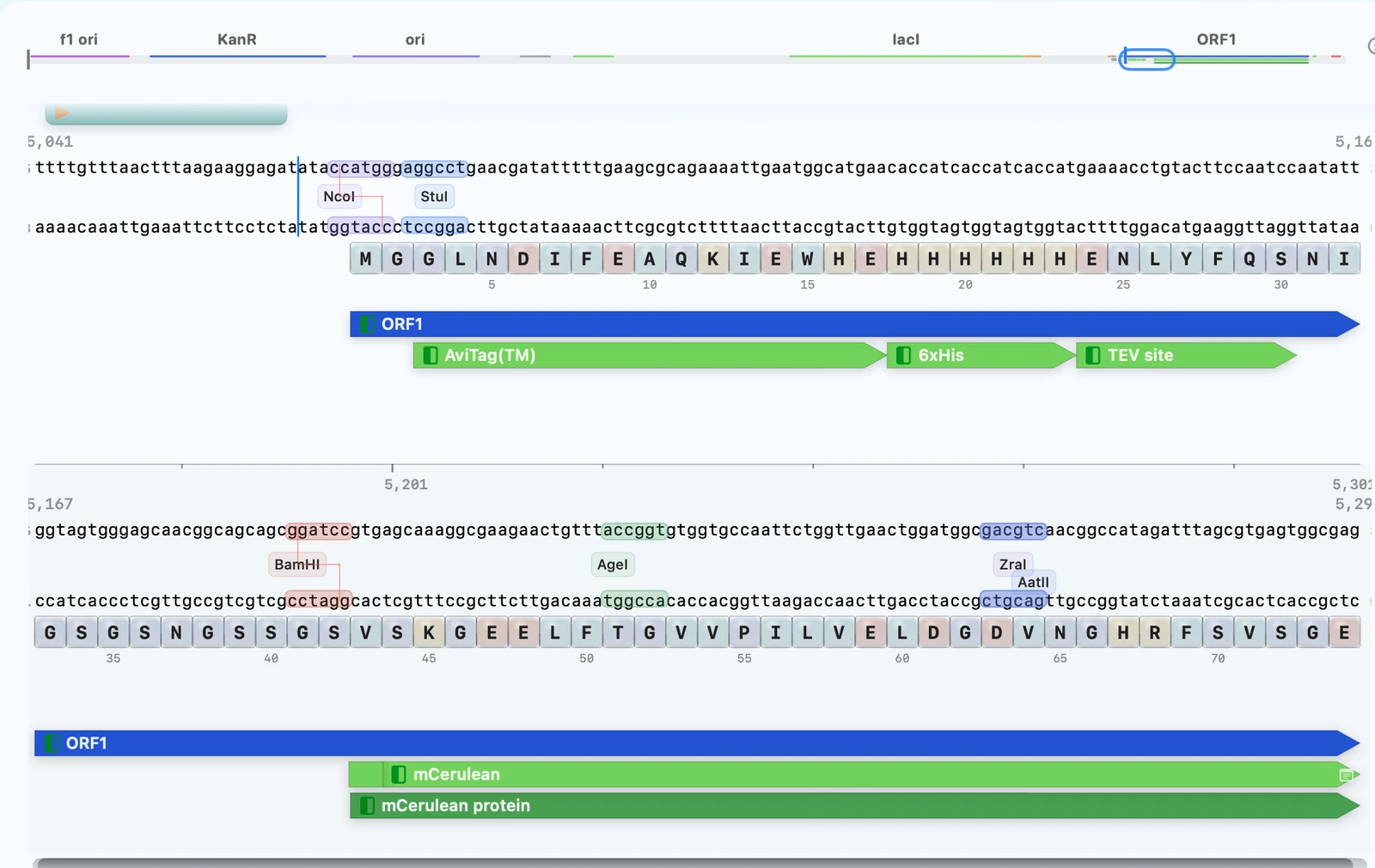
Open a supported GenBank, FASTA, or SnapGene .dna file and confirm the sequence and annotations you intend to work from.
Input: a supported DNA sequence file. Decision: confirm the record is the intended starting construct.
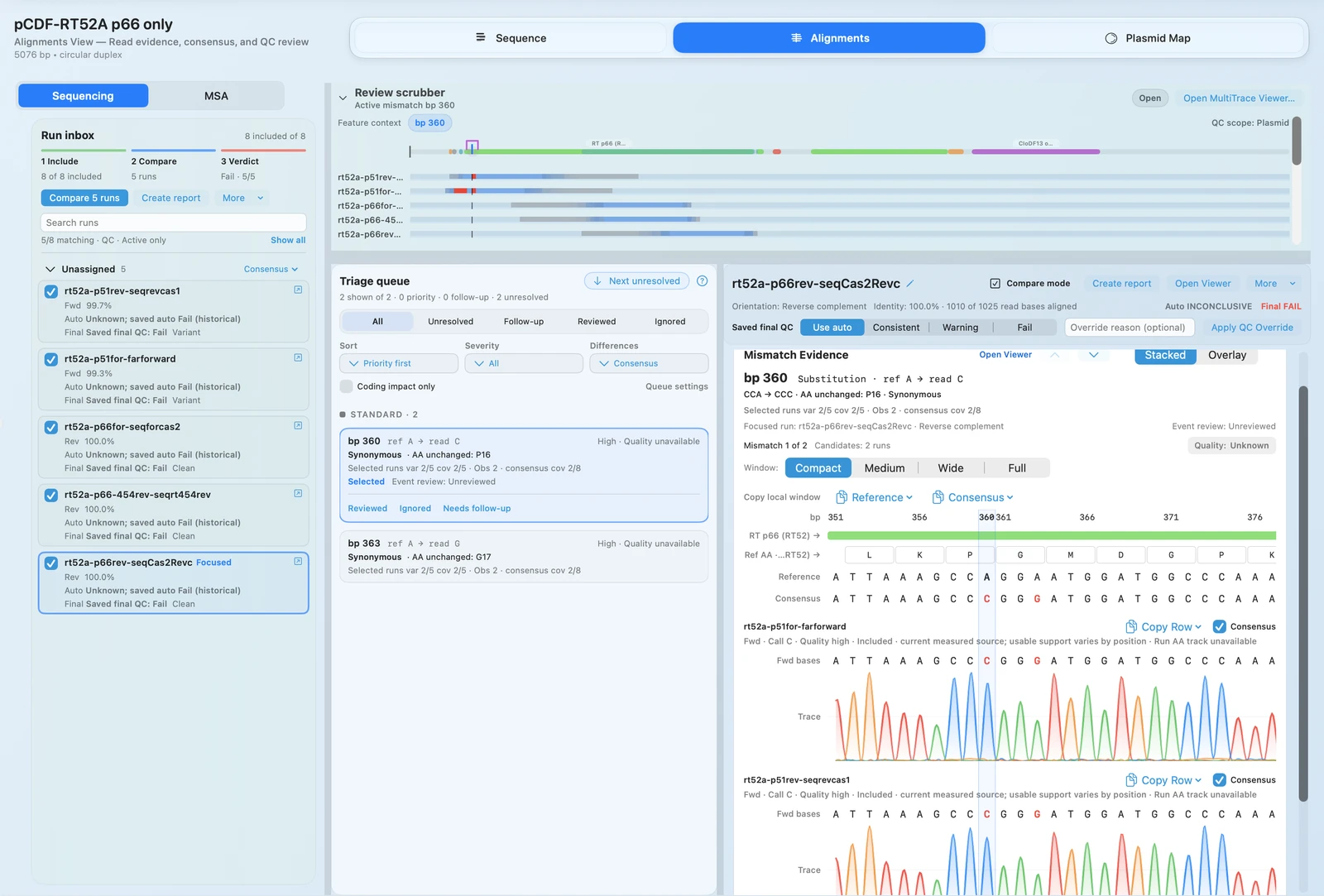
Import Sanger traces or a FASTQ run, inspect the aligned evidence, and review the base call in construct context. Sanger and FASTQ cannot be mixed in one import selection.
Input: AB1/ABI traces or FASTQ reads. Decision: accept or investigate a mismatch using the displayed evidence.